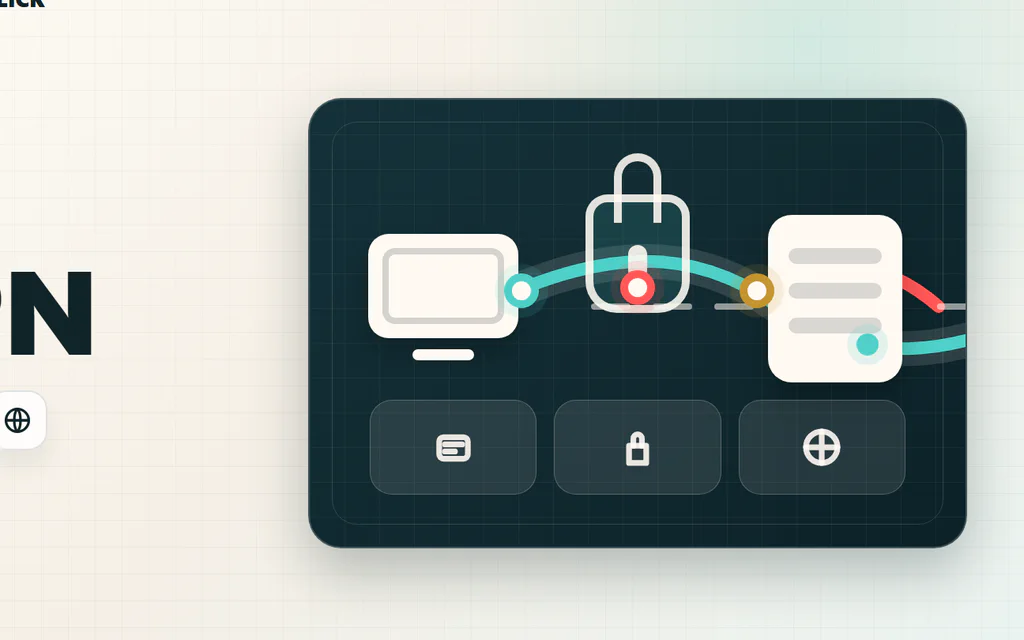
Schematic VPN route from a device through an encrypted tunnel to a VPN server and website.

What Is a VPN? What It Does, What It Does Not Do

A VPN is a privacy and routing tool. It creates an encrypted connection from your device to a VPN server, then sends your internet traffic from that server to websites and apps. That changes three practical things: people on the local network have a harder time seeing what you are doing, websites usually see the VPN server’s IP address instead of your home IP, and your traffic can appear to come from another city or country. It does not make you anonymous, stop phishing, clean malware, protect weak passwords, or erase tracking from accounts you log into. A VPN can be useful, but it is not a magic shield. The right question is: what problem are you trying to solve? ...

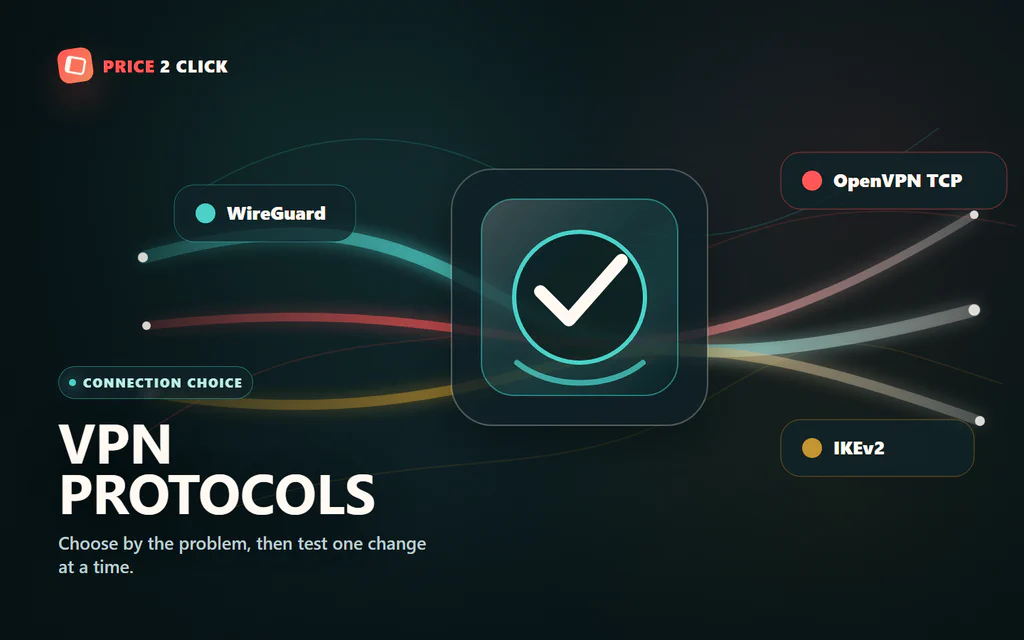
A VPN protocol selector with WireGuard, OpenVPN TCP, and IKEv2 paths converging through an encrypted route.

VPN Protocols Explained: Which One Should You Use?

Your VPN app probably has a setting called Protocol, Connection protocol, or VPN protocol. Most people leave it on Automatic, and that is fine until something feels wrong: slow downloads, high ping, blocked hotel Wi-Fi, a phone that drops the tunnel when switching networks, or one app that refuses to work through the VPN. For most normal home use, start with the app’s modern fast protocol: WireGuard, NordLynx, Lightway, or the provider’s recommended equivalent. If that works, do not overthink it. If it does not, the right fallback depends on the problem you are trying to solve. If you are still asking what a VPN changes in the first place, start with our plain-English VPN explainer first. This protocol guide assumes you already use a VPN and need to choose the connection mode. ...

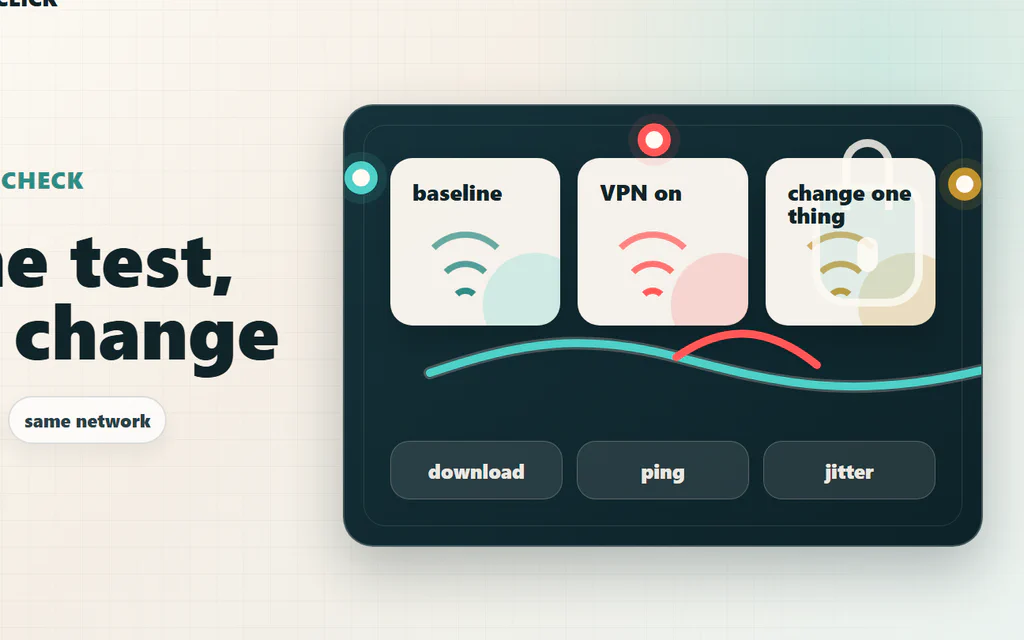
A VPN speed-check map comparing the same device, network, and test before changing VPN settings.

Does a VPN Slow Down Your Internet? How to Test It

Yes, a VPN can slow down your internet, but the useful question is narrower: is the VPN the real reason your connection feels bad, or is it exposing a Wi-Fi, ISP, server, protocol, or device problem that was already there? The fastest way to find out is not to trust one speed-test screenshot. Test the same device, on the same Wi-Fi, against the same speed-test server: first without VPN, then with the nearest VPN server, then with one protocol change. Compare download, upload, ping, and jitter. If ping jumps but download stays fine, you have a latency problem. If only upload collapses, the issue may be protocol, server load, or your ISP route. If both VPN and no-VPN tests are bad, the VPN is probably not the main culprit. For streaming and browsing, a small VPN hit often does not matter. For competitive games, video calls, cloud gaming, remote desktop, or big uploads, even a “fast” VPN can feel wrong if it adds unstable latency. Here is the practical way to test it, read the results, and fix the most common causes without guessing. ...

Gaming controller with VPN shield overlay.

How to Use a VPN on PS5 and Xbox Without Breaking Multiplayer

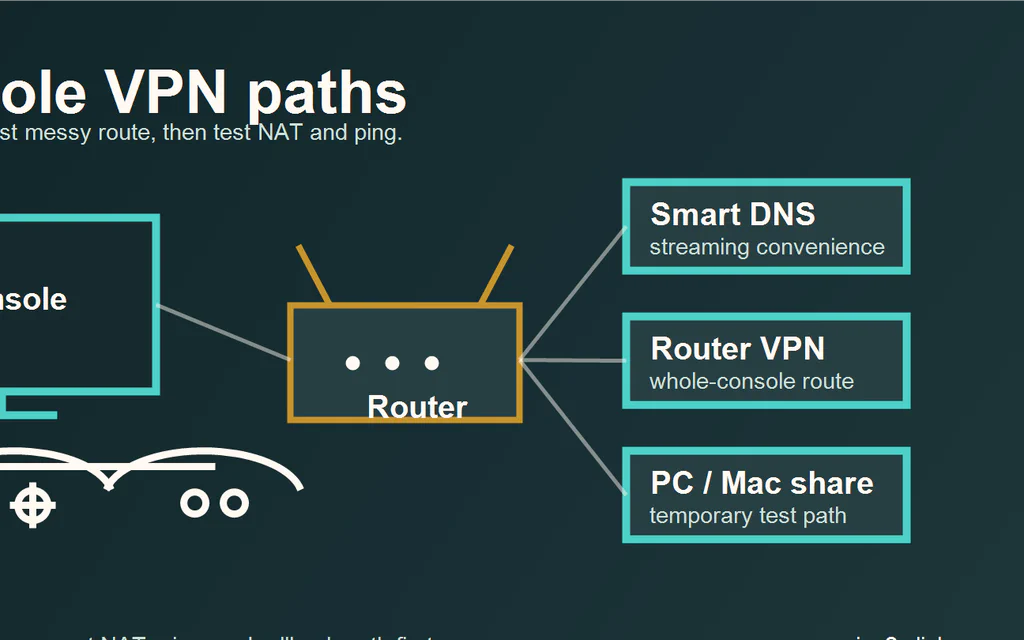
PS5 and Xbox do not run normal consumer VPN apps. You cannot open the PlayStation Store or Xbox store, install NordVPN, Surfshark, or ExpressVPN, and protect the console the same way you would protect a phone or laptop. That does not mean you have no options. It means the VPN has to sit somewhere else: in DNS settings, on the router, or on a computer sharing its connection. For most people, the honest answer is: Do not use a VPN for normal multiplayer unless you have a clear reason. It often adds routing complexity, and it can make NAT, party chat, matchmaking, or ping worse. Use Smart DNS for streaming-app convenience, not privacy. It changes DNS behavior for supported services, but it is not an encrypted VPN tunnel. Use a router VPN only if the router officially supports VPN client profiles and you know how to turn it off. This is the cleanest full-network method, but it can affect the whole house. Use PC/Mac sharing as a temporary test. It is useful for proving a setup before buying hardware, but it is not the nicest long-term console setup. The goal is not to force a VPN onto the console. The goal is to pick the least annoying method for the problem you actually have. ...

Traveler using a laptop at an airport before choosing a VPN service.

VPN Comparison: Which Service Fits Your Needs?

The honest VPN answer is not “buy the one in first place.” It is: buy the one that matches the job, then use the refund window to test it on your own network. Price2Click picks: start with the provider that fits the situation, then use the refund window to test it on your real devices. NordVPN if you want the strongest mainstream power-user pick for gaming routes, advanced features, and broad server choice. Surfshark if you want the best value for a household because one subscription covers unlimited devices. ExpressVPN if you want the cleanest app experience for travel, router use, and non-technical family members. None of them makes you anonymous. None guarantees streaming access forever. None fixes bad Wi-Fi, weak passwords, malware, or a hacked account. If you are not sure whether a VPN is even the right tool, read our plain-English VPN explainer first. Before paying, check the current plan page. VPN prices, renewal terms, device limits, and refund wording change often, so the best comparison starts with your use case and ends with a real-world test. Use provider policy pages as a trust check, not as magic badges. A useful no-logs claim explains what the provider does and does not collect, recent audits or transparency material are point-in-time support, and jurisdiction is a caveat rather than a privacy shield. Streaming and gaming claims belong in your own refund-window test, not in a promise from any comparison table. ...

Game controller and keyboard on a dark gaming desk.

Best VPN for Gaming: Test Ping Before You Pay

A VPN is not automatically good for gaming. In many cases the best gaming VPN is no VPN at all: wired Ethernet, a nearby game server, clean Wi-Fi, and a stable ISP route will beat any paid tunnel. If you came here for names, our current short list is simple: NordVPN is the first service we would test for competitive PC route problems, Surfshark is the value pick for a gaming household with many devices, and Mullvad is the clean month-to-month test if you dislike long promo plans. If your normal connection is already stable, the right pick is still do not buy one yet. Use a VPN for gaming only when it solves a real network-path problem: your ISP route to one game server is unstable, you are on hotel/public Wi-Fi, you want to reduce direct IP exposure for streaming or a small event setup, you want a private device-to-device feature, or you need location routing for a specific game/service. If you are entirely new to how this routing works, read our VPN explainer first. Before keeping any subscription, measure ping, jitter, packet loss, login reliability, and matchmaking with VPN off, then with the nearest VPN server. A VPN that makes your own game worse is not a gaming upgrade. ...

Remote worker using a laptop at an outdoor cafe-style table.

Best VPN for Privacy and Remote Work: Choose by Risk, Not Hype

A VPN is useful, but it is not a cloak of invisibility. It can hide your traffic from the coffee-shop network, reduce what your internet provider can see, and give remote workers a safer route on networks they do not control. It cannot make bad passwords safe, erase cookies, override company policy, or make you anonymous while you are logged in to Google, Microsoft, Slack, Steam, or your bank. So the right question is not “which VPN is the most private?” It is “what risk am I trying to reduce, and will this VPN make my day easier or more annoying?” Price2Click picks: start with the risk you are trying to reduce, then check the proof and the plan terms. NordVPN is the first mainstream privacy pick to compare if you want a feature-rich personal setup, audited no-logs material, and a 10-device account limit that fits your use. Surfshark is the value pick for households and many personal devices, but its “unlimited devices” promise is not a substitute for team access management. ExpressVPN is the simple premium pick if you want a clean travel-friendly app, but you should check the exact simultaneous-connection limit on the plan you are buying. A business VPN or secure access product such as NordLayer is the right lane when the real need is fixed IP allowlisting, SSO/MFA, admin control, and offboarding. If this is for a work laptop, stop for a second: use your employer’s approved VPN or security tool first. Do not route company traffic through a personal VPN unless your IT policy clearly allows it. Before paying, check the current plan page. VPN prices, renewal terms, device limits, refund wording, and app-store exceptions change often. A good VPN on paper is not good for you until it works with your real video calls, bank logins, client portals, cloud uploads, and travel networks. ...