MacBook does not detect an external monitor: test the video path first

Request My MacBook charges through USB-C, but the external monitor stays black, says No Signal, or does not appear in macOS display settings. The same monitor may work with another computer. Start with the video path, not the dock shopping list. A USB-C cable or hub can charge a MacBook without carrying display signal. The monitor can also be on the wrong input, the cable may not support video, or the MacBook model may have an external-display limit. ...
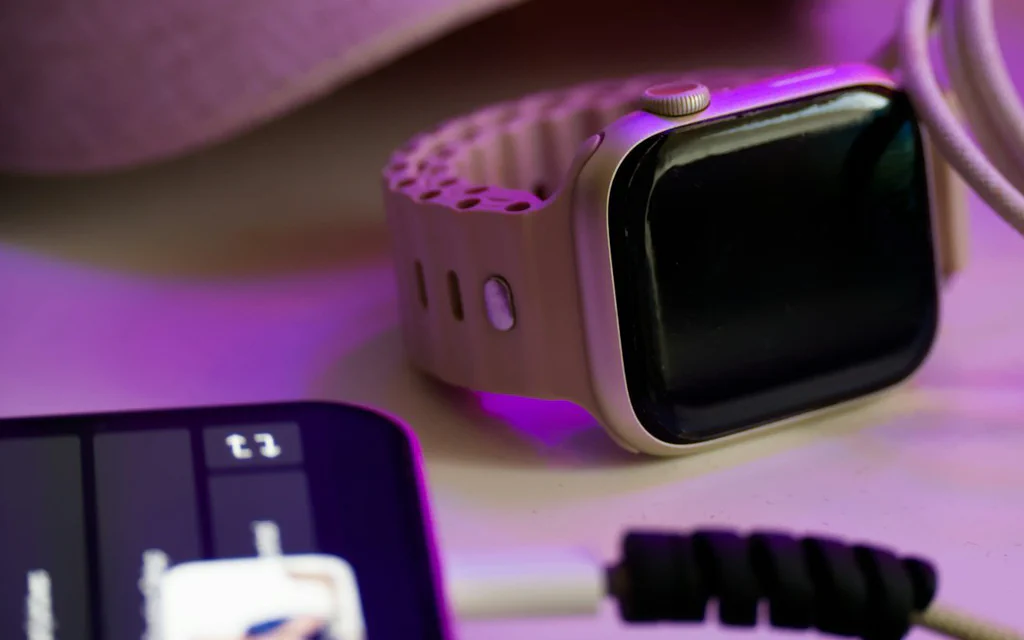
A phone, smartwatch, and charging cable on a desk under purple light.

Phone Charging Myths: What Actually Helps Battery Health

The best battery habit is not a ritual. It is a calm routine: keep the device reasonably cool, let its built-in charging features do their job, and stop treating every trip from 43% to 100% like a crime scene. If you want the short version, here it is: Turn on optimized, adaptive, or charge-limit features if your device offers them. Do not worry that a modern phone will “overcharge” like an old battery. Avoid heat when you can, especially gaming, navigation, or wireless charging in a hot place. Do not drain lithium-ion batteries to 0% on purpose. Use reputable chargers and cables with the right power rating, not mystery accessories from a random listing. If the problem is sudden fast drain, heat, weak signal, app usage, update drain, sleep drain, or very short runtime, use the battery drain diagnostic guide before changing more charging habits. ...