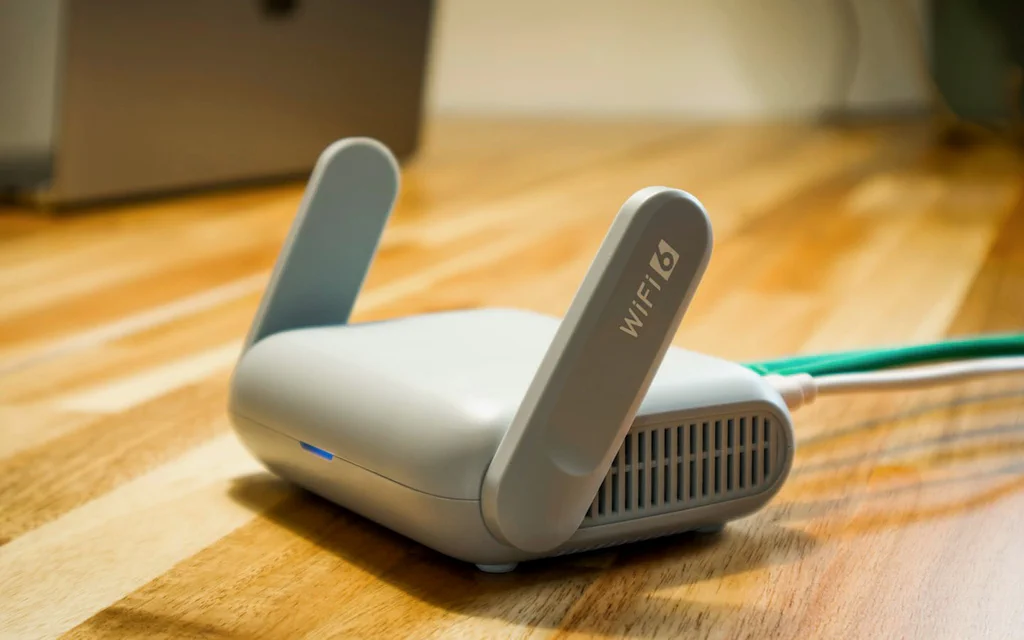
Close-up of a home Wi-Fi router on a desk with an Ethernet cable connected.

How to Fix Home Wi-Fi: Drops, No Internet, Slow Rooms, NAT, and Mesh Decisions

Bad Wi-Fi rarely arrives as one clean problem. One evening it is a video call freezing. The next day a laptop says “connected, no internet.” A console shows strict NAT. A smart plug refuses to join. A phone works in the kitchen but not in the bedroom. Those are not all the same failure, even though everyone in the house calls them “the Wi-Fi.” The useful move is to stop treating Wi-Fi as one black box. Your connection has layers: the device, the wireless link, the router, the internet line, DNS, and the outside service. A mesh kit can fix one layer. It will not fix bad DNS, a double-NAT port-forwarding mess, a failing modem cable, a blocked device rule, or an ISP outage. ...
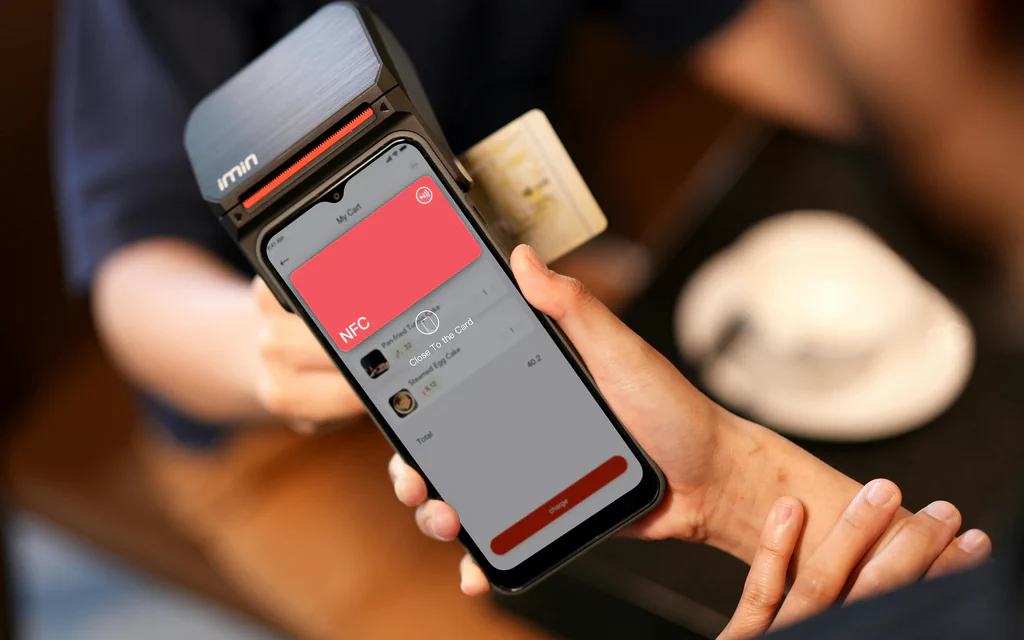
A smartphone held near a payment terminal during an NFC contactless payment.

What Is NFC in Smartphones and How to Set Up Contactless Payments

NFC is the short-range radio link that lets a phone talk to a contactless reader. For payments, though, NFC is only one part of the chain. Tap-to-pay works when the phone supports NFC, NFC is on, the right wallet is set as the default, a supported card is added and verified, the phone passes security checks, and the store terminal and card issuer both accept the transaction. That is the useful way to troubleshoot it. If your phone will not pay, do not start by assuming the NFC chip is broken. Check the wallet, card, bank, phone security state, default payment app, and terminal path separately. ...