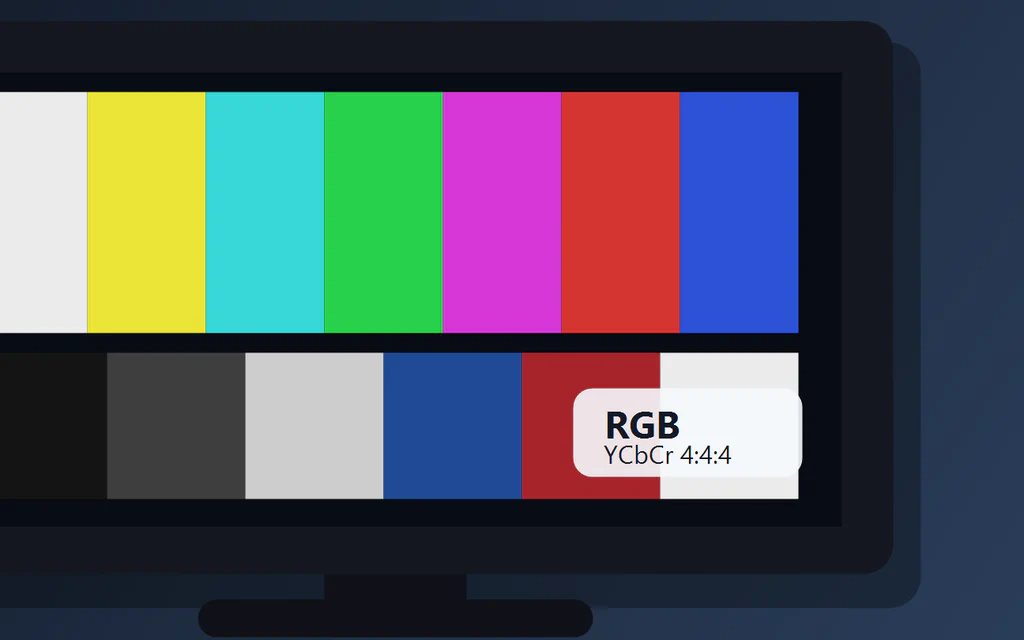
A TV screen with color bars and RGB and YCbCr 4:4:4 labels.

YCbCr 4:4:4 vs RGB on a TV: What to Choose for PC, Console and Movies

If you use a TV as a PC monitor for Windows, browser work, documents or desktop gaming, start with RGB or YCbCr 4:4:4. Either can be correct if small text is sharp, black levels are not washed out, whites are not crushed, and HDR, 4K and high refresh still work. For movies, Smart TV apps and consoles, Auto or normal YCbCr is often fine. Do not chase 4:4:4 if it causes flicker, disables HDR or drops the refresh rate you actually need. ...
Smart TV setup guide cover with a TV, remote and practical setup checklist style.

How to Set Up a Smart TV in 2026: Wi-Fi, HDMI, Apps, Picture, Sound and Privacy

If you just bought, reset or moved a Smart TV, set it up in this order: internet, software update, apps, HDMI ports, picture mode, sound output, privacy settings and one final test. Do that before signing into every service or pushing the TV back against the wall. The point is not to tweak every menu. It is to avoid chasing the wrong problem. A “Netflix problem” may be old TV software, a “bad soundbar” may be the wrong HDMI port, and a “casting problem” may be a phone and TV sitting on different networks. ...