Concept illustration of two generic RAM modules with a speed arrow and a verification check.

RAM Running Below Rated Speed? Check Units, XMP and EXPO

RAM can appear slower than its label for two different reasons: the program is showing the memory clock instead of the DDR transfer rate, or the PC is actually using a lower configuration. Check the units and active settings before changing XMP or EXPO. A kit’s advertised rate is not a guarantee that every CPU, motherboard and module combination can run it. First, decide whether the numbers really disagree Open Task Manager → Performance → Memory and note the speed label, value and total capacity. If you use CPU-Z from CPUID, its Memory tab reports the active DRAM frequency. The SPD tab describes module information and stored profiles; seeing a faster profile there does not mean it is currently enabled. ...
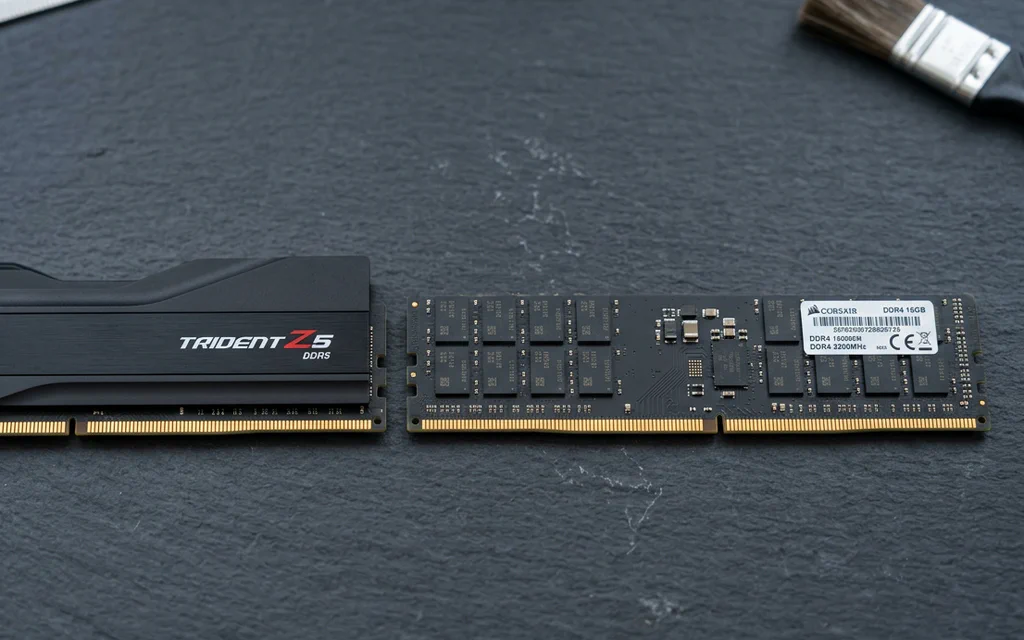
DDR5 and DDR4 desktop memory modules side by side on a slate workbench.

DDR4 vs DDR5: Compatibility, Latency and Upgrade Decisions

Choose the memory generation your exact motherboard supports. If your DDR4 PC already has enough memory and meets your performance target, DDR5 alone is not a reason to replace the platform. For a new build, compare the total CPU, motherboard and memory cost—not a universal FPS promise. The confusing part is that a faster-looking number can describe a different thing. DDR5-6000 CL30 and DDR4-3200 CL16 both have a calculated CAS component of 10 ns. They do not therefore have identical complete memory latency, bandwidth or gaming performance. Here is how to make a choice without turning a timing formula into a benchmark. ...

Windows page file, virtual memory, and hardware reserved RAM: what to change first

Request Windows says virtual memory is low, an app warns that memory is not enough, or Task Manager shows a large Hardware reserved RAM number. I am not sure whether to change the page file, add RAM, or change BIOS settings. Start with the safest reset: put the page file back to System managed size, restart, and test the same app again. Do not type a huge fixed number, turn the page file off because the PC has an SSD, or change firmware settings before you know which memory problem you actually have. ...