AMD Radeon RX 9070 XT graphics card used as the cover for a 1440p GPU buying guide.

Best Graphics Cards for 1440p Gaming in 2026: Every Build Type

1440p is not one workload. A 75Hz monitor, a 165Hz ultrawide, Cyberpunk with path tracing, a silent living-room PC and a Blender workstation all ask for different things from the GPU. That is why a single “best 2K graphics card” answer is usually wrong. For straightforward gaming on a normal QHD monitor, AMD often gives you more raster performance and memory for the money. Turn on heavy ray tracing, add CUDA or video work, or move into a compact case, and the answer can flip quickly. Even the quietest choice is not always the most efficient card on a benchmark chart. This guide starts with what you are building, not with a brand. Live prices come from The Comparator. The recommendations around them account for ray tracing, VRAM, noise, power, case size, software support and what you already own. Still gaming at 1080p? The Full HD graphics-card guide will save you from buying a card your monitor cannot use. ...
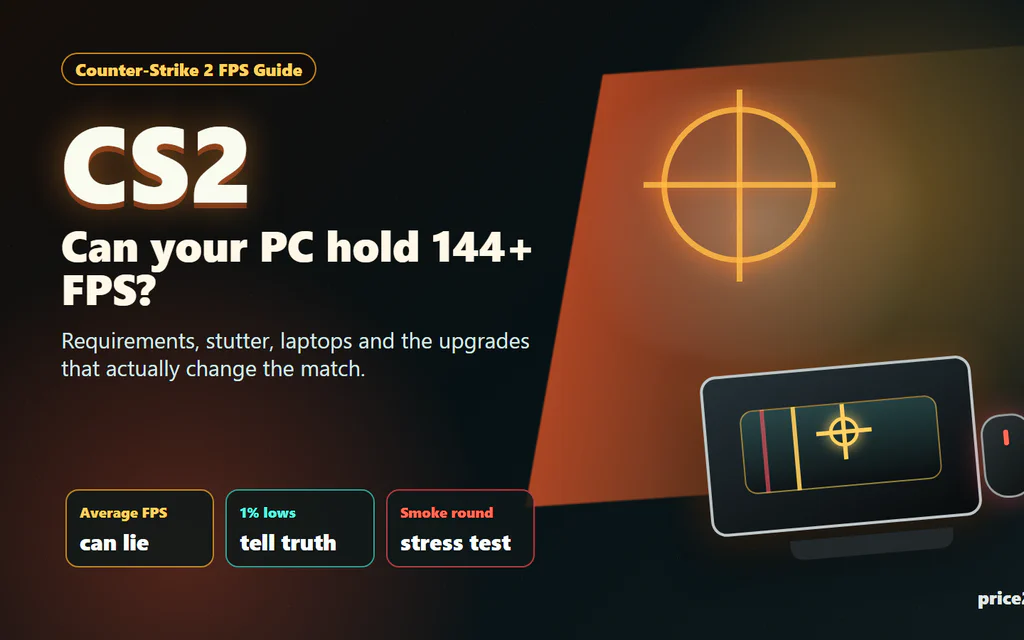
Counter-Strike 2 FPS checklist showing CPU, GPU, RAM and laptop heat bottlenecks.

Counter-Strike 2 System Requirements: What Matters for Smooth FPS

Counter-Strike 2 has a funny way of embarrassing a PC. The menu opens, the match loads, the first pistol round feels fine, and then two smokes, a molotov and five players rushing a site make the game feel like it forgot how to breathe. That is why the real question is not only “Can my PC launch CS2?” It is “Will CS2 stay smooth when the round gets messy?” Here is the short version: Valve’s official minimum requirements are modest, but they are a floor, not a comfort promise. For a good CS2 experience, the CPU, frame pacing, RAM pressure, laptop thermals and latency settings matter just as much as the graphics card name. ...

Game controller and keyboard on a dark gaming desk.

Best VPN for Gaming: Test Ping Before You Pay

A VPN is not automatically good for gaming. In many cases the best gaming VPN is no VPN at all: wired Ethernet, a nearby game server, clean Wi-Fi, and a stable ISP route will beat any paid tunnel. If you came here for names, our current short list is simple: NordVPN is the first service we would test for competitive PC route problems, Surfshark is the value pick for a gaming household with many devices, and Mullvad is the clean month-to-month test if you dislike long promo plans. If your normal connection is already stable, the right pick is still do not buy one yet. Use a VPN for gaming only when it solves a real network-path problem: your ISP route to one game server is unstable, you are on hotel/public Wi-Fi, you want to reduce direct IP exposure for streaming or a small event setup, you want a private device-to-device feature, or you need location routing for a specific game/service. If you are entirely new to how this routing works, read our VPN explainer first. Before keeping any subscription, measure ping, jitter, packet loss, login reliability, and matchmaking with VPN off, then with the nearest VPN server. A VPN that makes your own game worse is not a gaming upgrade. ...