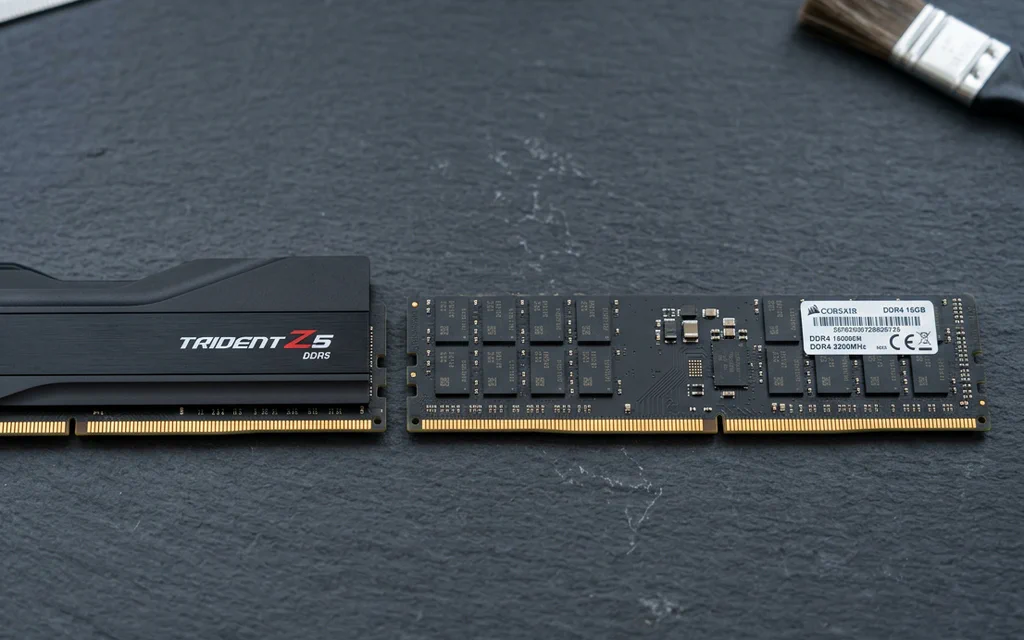
DDR5 and DDR4 desktop memory modules side by side on a slate workbench.

DDR4 vs DDR5: Compatibility, Latency and Upgrade Decisions

Choose the memory generation your exact motherboard supports. If your DDR4 PC already has enough memory and meets your performance target, DDR5 alone is not a reason to replace the platform. For a new build, compare the total CPU, motherboard and memory cost—not a universal FPS promise. The confusing part is that a faster-looking number can describe a different thing. DDR5-6000 CL30 and DDR4-3200 CL16 both have a calculated CAS component of 10 ns. They do not therefore have identical complete memory latency, bandwidth or gaming performance. Here is how to make a choice without turning a timing formula into a benchmark. ...
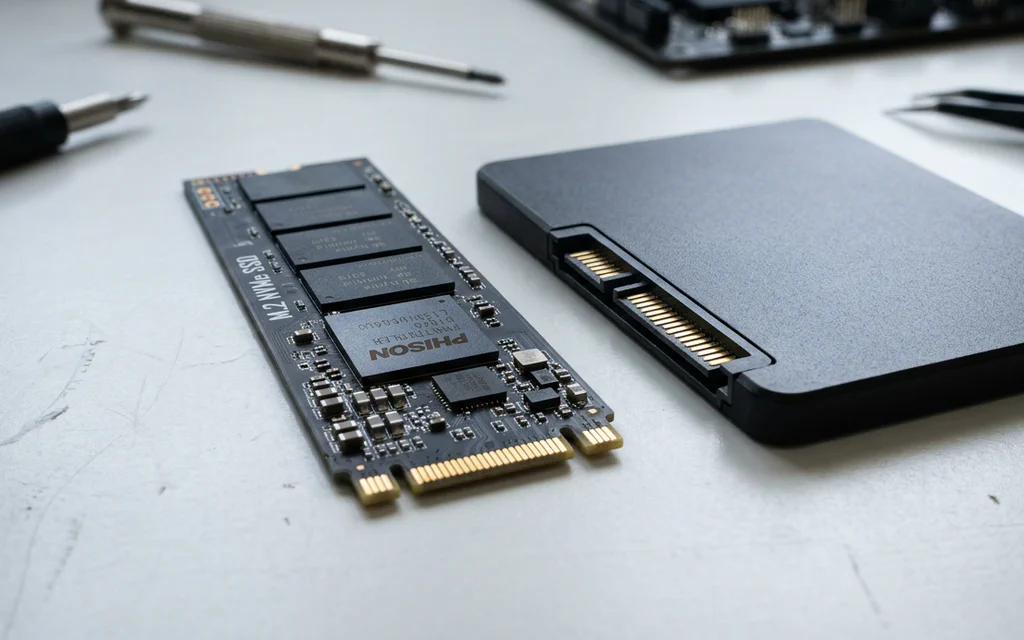
An M.2 NVMe SSD stick resting next to a 2.5-inch SATA SSD on a workbench.

NVMe vs SATA SSDs Explained: Speeds, Slots, and What Actually Matters in 2026

If you look at the packaging on a modern solid-state drive, the marketing numbers look absurd. A standard SATA drive advertises read speeds around 550 MB/s. A mainstream PCIe 4.0 NVMe drive advertises 7,000 MB/s — nearly thirteen times faster. A PCIe 5.0 drive pushes past 14,000 MB/s. Naturally, you would expect Windows to boot thirteen times faster and your games to load in the blink of an eye. Yet when you plug in that blazing-fast NVMe drive, Windows boots in 8 seconds instead of 10. Cyberpunk 2077 loads in 11 seconds instead of 13. Why does a 1,300% theoretical speed advantage turn into a barely noticeable difference in daily desktop use? And with both drive types sitting on store shelves in 2026, where does NVMe truly matter, and is there any reason left to buy a SATA drive? Let us break down how these two storage technologies work, compare their live market pricing and real-world performance, and highlight the most common compatibility traps when upgrading your PC or laptop. ...

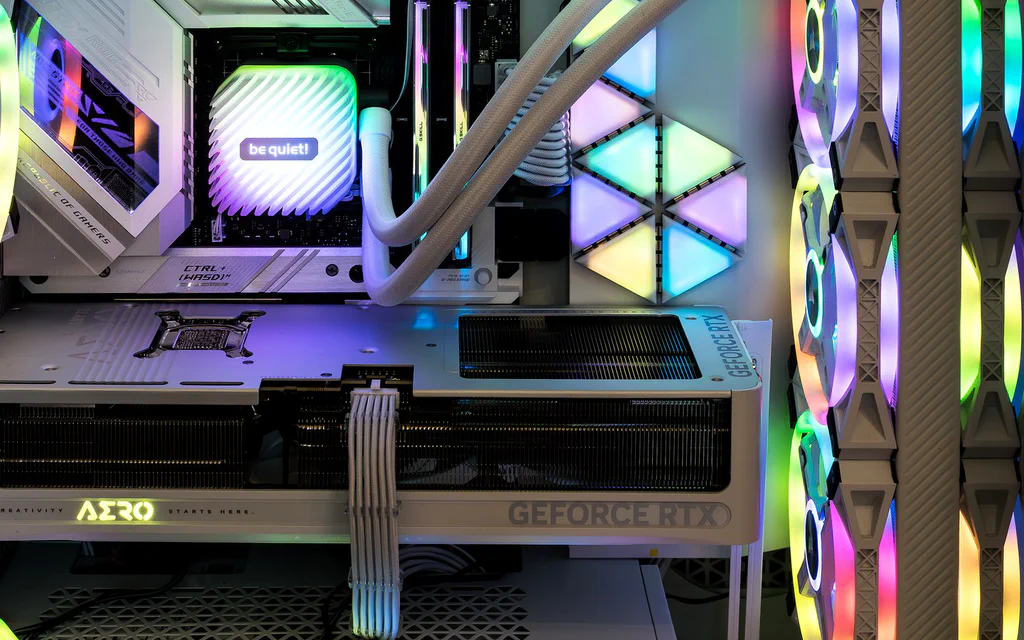
Representative open PC interior showing a graphics card, memory, cooling and case airflow for a custom PC build guide.

Best PC Builds by Budget and Use Case: Ready Part Lists

If you came here for PC builds, start with the build that matches the job. A gaming PC, a quiet family desktop, a creator machine and a local-AI box do not fail in the same places, so copying one random cart is how people end up with a strong GPU, a weak power supply, a cramped case or not enough memory. Use these as ready build templates: pick the closest lane, copy the part classes into your store tabs, then check the seller, final price, compatibility, warranty and return window before you pay. The price windows below are planning bands, not checkout promises; one GPU sale, store bundle or weak PSU can change the right answer. ...