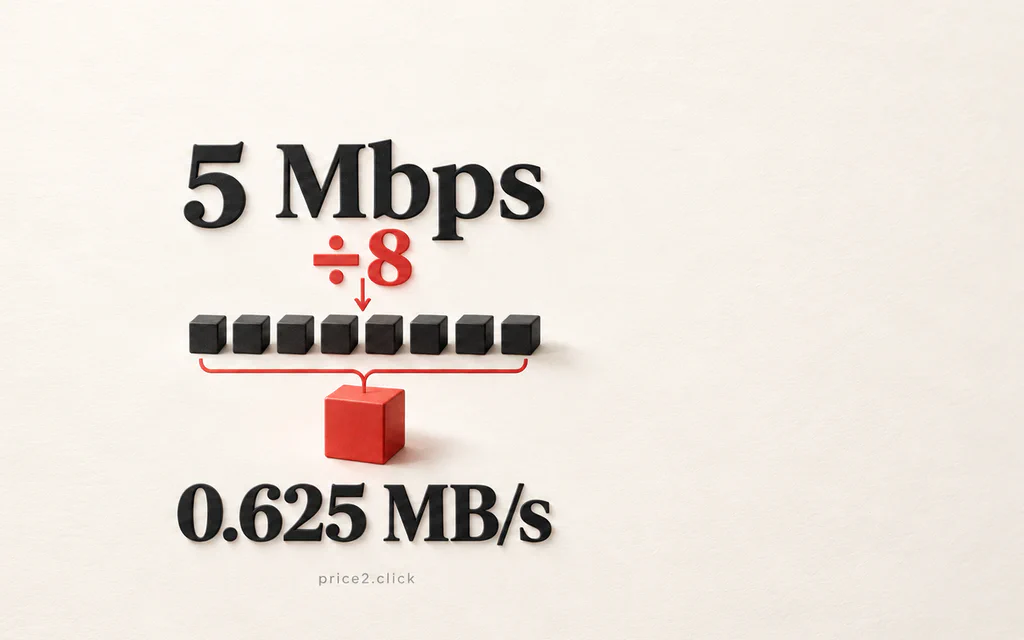
5 Mbps divided by eight equals 0.625 MB/s, illustrated by eight small blocks combining into one.

5 Mbps in MB/s: What Your Download Speed Really Means

5 Mbit/s, also written 5 Mbps, equals 0.625 megabytes per second (MB/s). Divide by eight because a byte contains eight bits. At that constant rate, a 1 GB file takes 26 minutes 40 seconds to transfer. Real downloads can take longer. So if your connection is rated at 5 Mbps and a download shows around 0.6 MB/s, the smaller number is largely a change of units. It does not mean seven-eighths of your connection has vanished. But if a 100 Mbps connection produces only 0.6 MB/s, the unit conversion cannot explain the whole difference: that download is moving at about 4.8 Mbps. ...

High ping or packet loss in online games: test the network before replacing hardware

Request My game feels laggy even though FPS looks fine. Ping spikes, packet loss appears in the game overlay, or the match rubber-bands when someone else streams video, uploads files, or downloads updates. Do not buy a new graphics card for a network problem. First separate FPS stutter from network lag. If the frame rate is stable but movement jumps, shots register late, voice chat breaks up, or the in-game network overlay shows packet loss, start with the network path. ...

Wireless printer keeps going offline: fix the network path first

Request My wireless printer keeps showing offline. It works for a while, then Windows, macOS, or the phone app cannot find it until I restart the printer, reconnect Wi-Fi, or add the printer again. Treat this as a network path problem first, not as proof that the printer is broken. Most recurring “offline” cases come from sleep mode, weak Wi-Fi, a changed printer address, a stale print queue, or the computer using the wrong printer entry. ...