Does a VPN Slow Down Your Internet? How to Test It
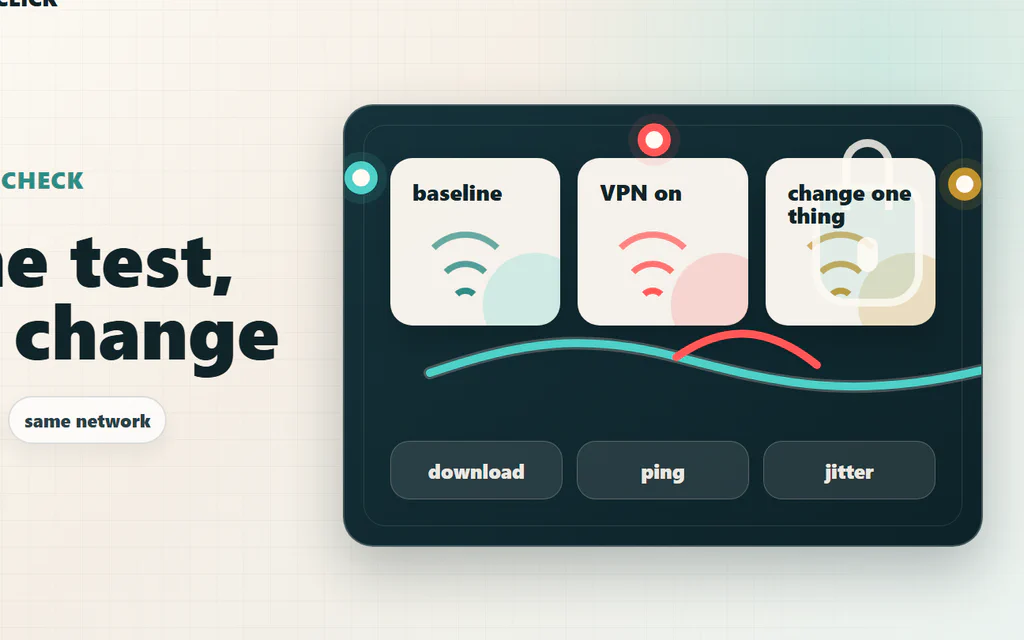
Yes, a VPN can slow down your internet, but the useful question is narrower: is the VPN the real reason your connection feels bad, or is it exposing a Wi-Fi, ISP, server, protocol, or device problem that was already there? The fastest way to find out is not to trust one speed-test screenshot. Test the same device, on the same Wi-Fi, against the same speed-test server: first without VPN, then with the nearest VPN server, then with one protocol change. Compare download, upload, ping, and jitter. If ping jumps but download stays fine, you have a latency problem. If only upload collapses, the issue may be protocol, server load, or your ISP route. If both VPN and no-VPN tests are bad, the VPN is probably not the main culprit. For streaming and browsing, a small VPN hit often does not matter. For competitive games, video calls, cloud gaming, remote desktop, or big uploads, even a “fast” VPN can feel wrong if it adds unstable latency. Here is the practical way to test it, read the results, and fix the most common causes without guessing. ...