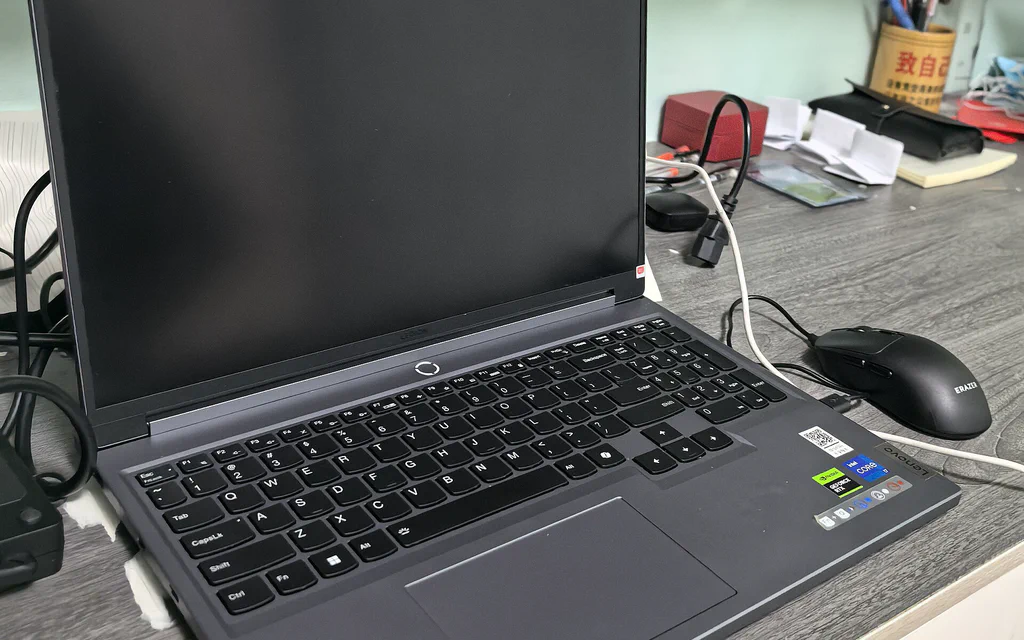
A Lenovo Legion gaming laptop on a desk, used as a representative gaming laptop buying guide cover.

Best Gaming Laptops: Lenovo Legion, ASUS ROG/TUF, Dell Alienware, and What to Check Before You Buy

Most gaming laptop mistakes start with the same shortcut: the buyer compares brand names and GPU labels, then skips the exact cooling design, laptop-GPU power limit, display, RAM, storage, warranty and return window. For most U.S. buyers, the safest path is not a pure “Lenovo vs ASUS vs Dell” brand fight. It is choosing the right lane, then checking the exact configuration. The short answer: Best default: start with a Lenovo Legion 5i / Legion Pro 5i class laptop if you want balanced gaming performance without turning the machine into a pure desk ornament. Budget lane: compare Lenovo LOQ and ASUS TUF when the exact screen, RAM, SSD, GPU power limit, cooling reviews and return terms are acceptable. Portable premium: choose ASUS ROG Zephyrus G14/G16 class when portability, screen quality and creator use matter as much as gaming. Flagship power: compare Lenovo Legion Pro 7i, ASUS ROG Strix/SCAR and Alienware Area-51 when desk-first performance matters more than value or quiet battery use. Dell premium/support lane: use Alienware Area-51 or Alienware Aurora when Dell support, design, keyboard and ownership path are part of the reason. Do not buy the cheapest machine with an RTX sticker just because the listing says “gaming.” A gaming laptop with a dim screen, 8GB RAM, tiny SSD, unclear GPU wattage, weak cooling and no return window is not a deal. It is a noisy regret machine. ...


A laptop open on a wooden desk with bookshelves in the background, used as a student laptop buying guide cover.

Used and Refurbished Student Laptop Buying Guide 2026: Checklist, Specs, and What to Avoid

Most students should start with a new, open-box, or certified-refurbished laptop with 16GB of memory, a real SSD, and a return window you can actually use. Buy a plain used laptop only when the exact model, battery condition, charger, keyboard, display, Windows or macOS support, and seller return path are clear. Avoid the tempting listings with 8GB of soldered memory, 128GB eMMC storage, “no returns,” missing chargers, unknown refurbishers, cracked hinges, weak batteries, or CPUs too old for Windows 11. A cheap school laptop is not cheap if it fails during midterms. ...

A laptop buying workspace on a dark graphite desk with sticky notes and laptops open under warm lighting.

Ultrabook Buying Guide: How to Choose a Thin Laptop in 2026

Buying a thin laptop in 2026 starts with a simple worry: what if you drop a grand on a gorgeous machine, open it up, and realize you hate it? Maybe you went with a Snapdragon chip to get that marathon battery life, only to find your school’s secure browser or office VPN flat-out refuses to install on ARM. Or maybe you chose a sleek, port-free design, and now your desk is a tangled nightmare of dongles because you need to plug in a mouse, a monitor, and a backup drive. We are past the point where you can just buy the thinnest thing in the store and assume it will fit your life. A smart purchase starts with 16GB of memory, 512GB of storage, the operating system your software actually demands, and a return policy that lets you bail if the laptop fights you. Everything else is just details. ...