
Conceptual editorial image of a router, ethernet cable and laptop, with the title Download Speed.

5 Mbps in MB/s: What Your Download Speed Really Means

5 Mbit/s, also written 5 Mbps, equals 0.625 megabytes per second (MB/s). Divide by eight because a byte contains eight bits. At that constant rate, a 1 GB file takes 26 minutes 40 seconds to transfer. Real downloads can take longer. So if your connection is rated at 5 Mbps and a download shows around 0.6 MB/s, the smaller number is largely a change of units. It does not mean seven-eighths of your connection has vanished. But if a 100 Mbps connection produces only 0.6 MB/s, the unit conversion cannot explain the whole difference: that download is moving at about 4.8 Mbps. ...
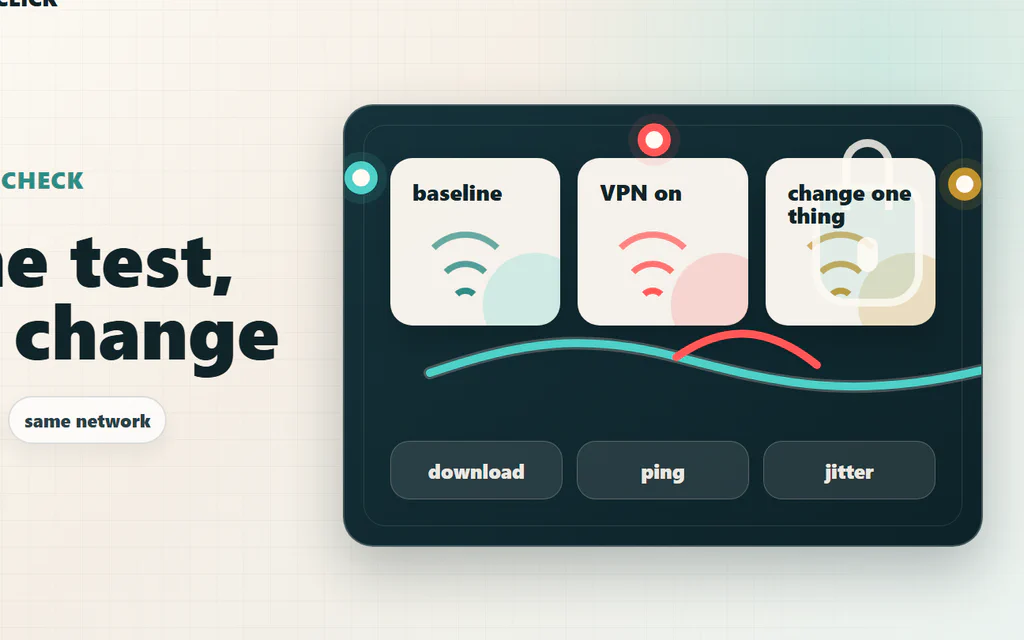
A VPN speed-check map comparing the same device, network, and test before changing VPN settings.

Does a VPN Slow Down Your Internet? How to Test It

Yes, a VPN can slow down your internet, but the useful question is narrower: is the VPN the real reason your connection feels bad, or is it exposing a Wi-Fi, ISP, server, protocol, or device problem that was already there? The fastest way to find out is not to trust one speed-test screenshot. Test the same device, on the same Wi-Fi, against the same speed-test server: first without VPN, then with the nearest VPN server, then with one protocol change. Compare download, upload, ping, and jitter. If ping jumps but download stays fine, you have a latency problem. If only upload collapses, the issue may be protocol, server load, or your ISP route. If both VPN and no-VPN tests are bad, the VPN is probably not the main culprit. For streaming and browsing, a small VPN hit often does not matter. For competitive games, video calls, cloud gaming, remote desktop, or big uploads, even a “fast” VPN can feel wrong if it adds unstable latency. Here is the practical way to test it, read the results, and fix the most common causes without guessing. ...