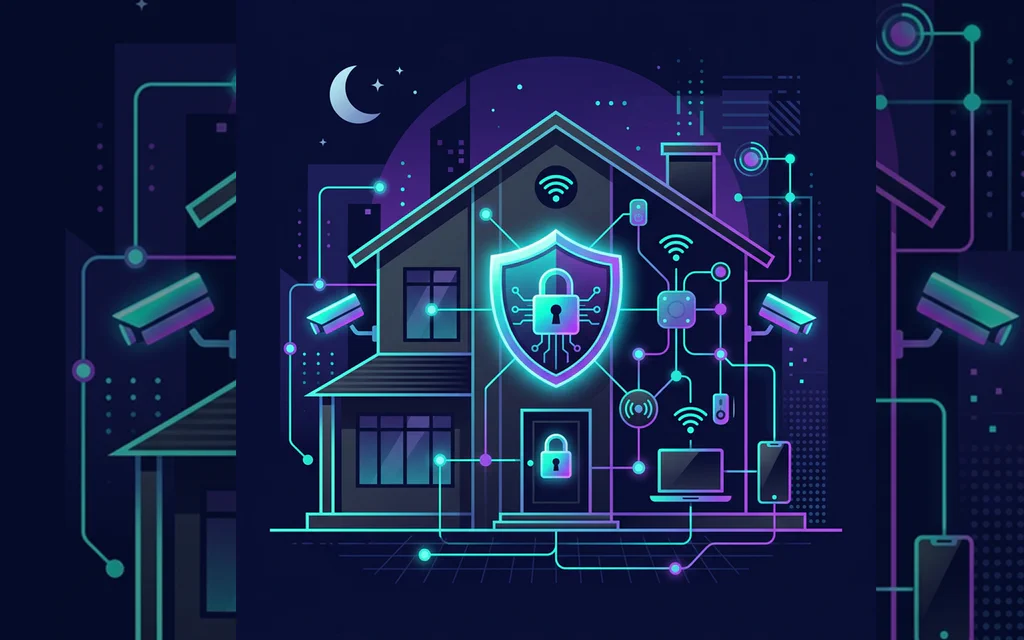
Connected home protected by a digital shield, with Wi-Fi, cameras, phones, and laptops on a home network.

Home Cybersecurity Checklist: 10 Digital Safety Steps That Matter

You do not need to become a security professional. You need a home setup where the obvious disasters are harder to trigger: stolen email, reused passwords, fake urgent messages, lost photos, infected devices, weak router settings, and work-account mistakes. Start with the checklist below. It is ordered by damage, not by technical glamour. If you only have one evening, protect your main email, money accounts, password manager, updates, and one real backup. ...
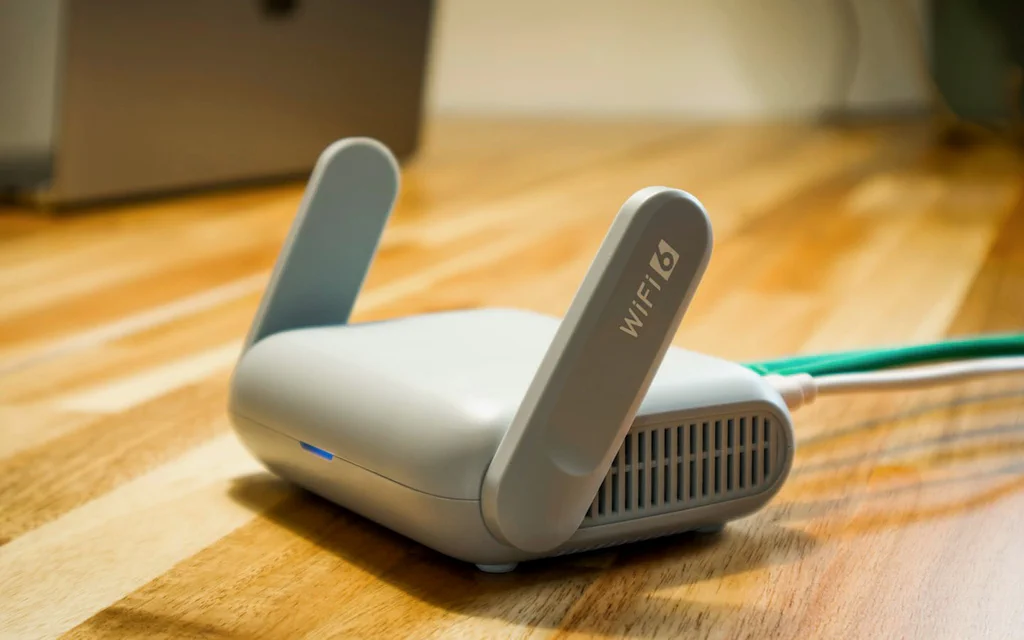
Close-up of a home Wi-Fi router on a desk with an Ethernet cable connected.

How to Fix Home Wi-Fi: Drops, No Internet, Slow Rooms, NAT, and Mesh Decisions

Bad Wi-Fi rarely arrives as one clean problem. One evening it is a video call freezing. The next day a laptop says “connected, no internet.” A console shows strict NAT. A smart plug refuses to join. A phone works in the kitchen but not in the bedroom. Those are not all the same failure, even though everyone in the house calls them “the Wi-Fi.” The useful move is to stop treating Wi-Fi as one black box. Your connection has layers: the device, the wireless link, the router, the internet line, DNS, and the outside service. A mesh kit can fix one layer. It will not fix bad DNS, a double-NAT port-forwarding mess, a failing modem cable, a blocked device rule, or an ISP outage. ...