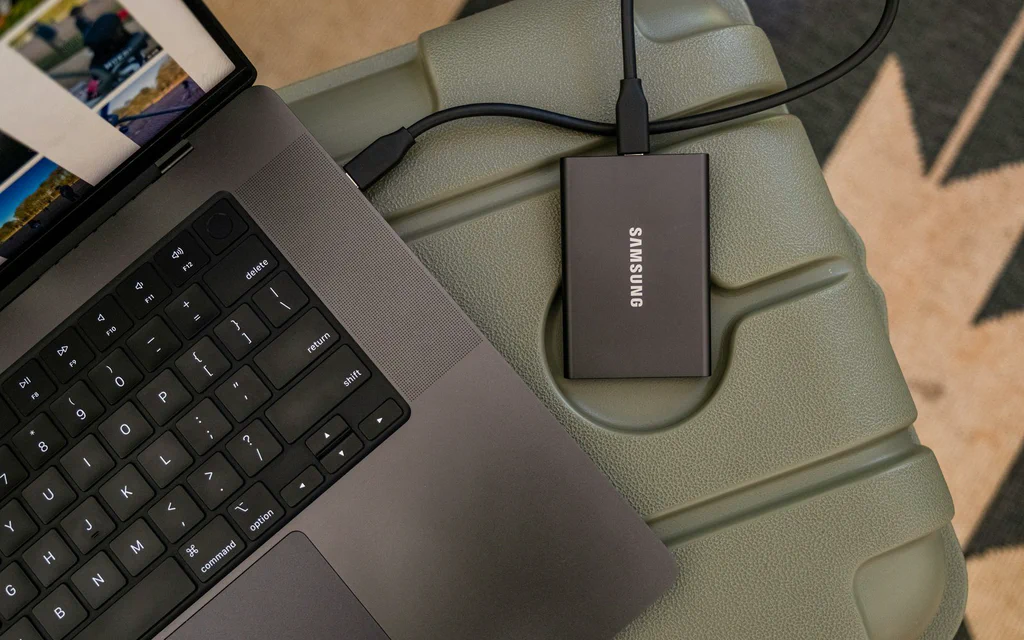
Portable external SSD connected to a laptop for file backup and storage planning.

External Drive, NAS, Cloud or Home Server: How to Choose Storage Without Losing Data

Most storage mistakes start with the wrong question. “How many terabytes should I buy?” sounds practical, but it skips the thing that decides everything: what job the storage has to do. A drive for a Steam library is not the same as a family-photo backup. Cloud sync is not the same as recovery. A NAS can be excellent, but it is also a small server that needs updates, power, passwords and a restore plan. Start here: choose the storage path by job, then check capacity, speed and price. ...

AMD Ryzen 7 9800X3D retail box on a dark product background.

Best Energy-Efficient CPUs 2026: 9800X3D, N100 & More

If you need the short answer: start with Intel N100, N150 or N305 class hardware for a 24/7 home server, Ryzen 7 9800X3D for an efficient gaming PC, Ryzen 7 8700G for a quiet office desktop without a graphics card, Ryzen 9 9950X with sensible power limits for heavy workstation work, and Ryzen 7 9700X for a balanced local AI or development build. Energy-efficient does not mean “the CPU with the lowest watt number.” It means the right processor for the way your PC actually lives: how many hours it runs, how much heat it adds to the room, how loud the fans get, how much useful work it finishes, and whether the CPU is even the real bottleneck. For a 24/7 home server, the best CPU is usually the one inside a low-idle platform. For a quiet office desktop, it may be the chip that lets you skip a discrete graphics card. For gaming, efficiency means strong frame times without wasting cooling and budget. For workstation tasks, a faster CPU can sometimes use less energy per finished render or compile because it finishes sooner and returns to idle. That is the rule for this guide: Buy for the workload, not for the watt label. ...