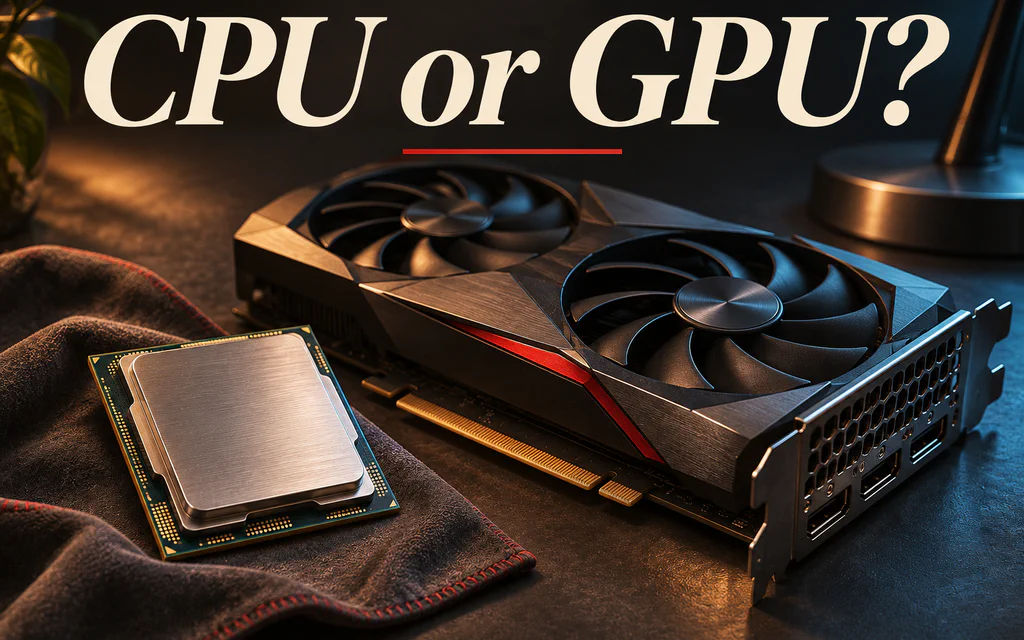
Conceptual editorial image of a processor and graphics card on a workbench, with the title CPU or GPU?

CPU or GPU Bottleneck? Test What Limits Your FPS

To find whether CPU or GPU limits your FPS, repeat the same game scene at your usual settings and at a substantially lower render resolution, while recording FPS, frame times and relevant utilization. Compare several runs, not one screenshot. If FPS improves consistently when GPU work falls, the original setup was at least partly graphics-limited. If it barely changes, investigate CPU, engine, caps and other limits; low GPU use alone does not prove you need a new processor. ...
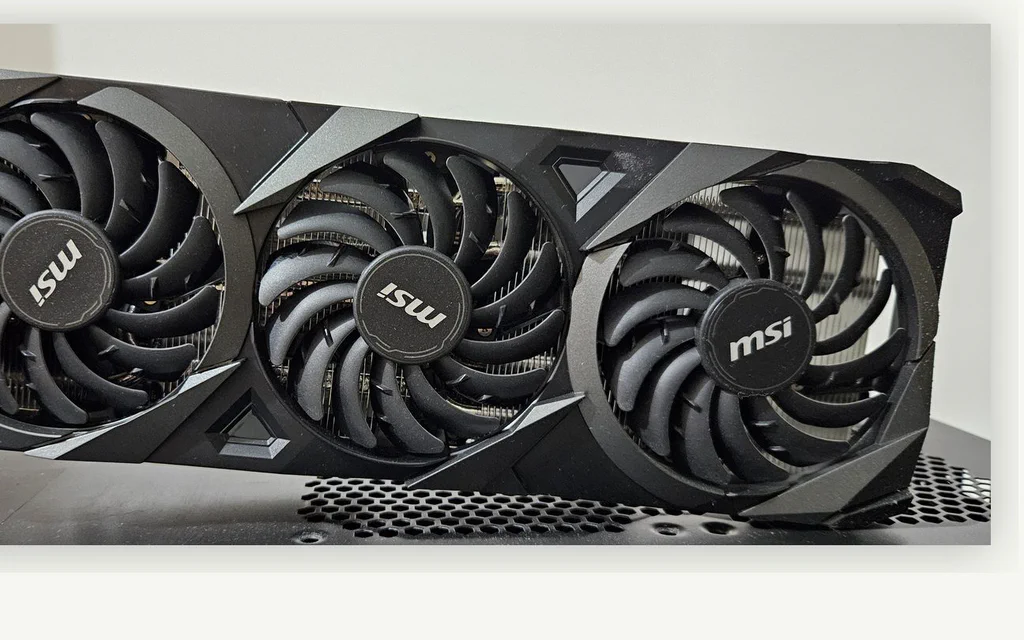
Triple-fan graphics card used as a representative image for a 1080p GPU buying guide.

Best 1080p Graphics Cards in 2026: What to Buy by Budget and Monitor

Buying a graphics card for 1080p gaming is not about finding the fastest GPU you can afford. It is about buying enough performance for the monitor and games you actually use without paying for frames the display cannot show or saving too little on a compromise you will replace early. For most buyers building a strong new 1080p system, the first card to check is the Radeon RX 9060 XT 16GB. The main feature-focused alternative is the GeForce RTX 5060 Ti 16GB. At a lower budget, the Intel Arc B570, GeForce RTX 5050 and occasionally the Arc B580 can make sense - but only after checking the current price and platform fit. This guide separates three questions that ordinary “best GPU” lists often mix together: Capability: is the card strong enough for the job, ignoring price? Live value: is its current observed price attractive relative to the market? Editorial fit: does it make sense for your monitor, software, PC and ownership plan? ...

Laptop uses the wrong GPU: switch graphics safely in Windows

Request My laptop has a dedicated NVIDIA, AMD, or Intel Arc GPU, but a game, editor, CAD app, AI tool, or external monitor seems to be using integrated graphics instead. Treat this as an app-routing problem first, not as proof that the laptop is broken. On many laptops the screen still passes through integrated graphics even when the dedicated GPU is doing the rendering. The useful goal is to make the exact app use the high-performance GPU and then verify real load. ...

ASUS TUF Gaming GeForce RTX 4070 Ti Super triple-fan graphics card from an official ASUS press image.

RTX 4070 Ti Super: Used Price Check and Buying Rules

The short version: Should you buy a used 4070 Ti Super or a new RTX 5070? A used or open-box RTX 4070 Ti Super is worth chasing only when the final price is clearly below the new-card alternatives in front of you, the seller shows real photos, the 16-pin adapter or cable is included, and you have a return path. If the card is priced like a new RX 9070 XT, RTX 5070, or a sale RTX 5070 Ti, close the tab. The RTX 4070 Ti Super still has the right bones for high-refresh 1440p, but it now has to fight newer cards at the same money, especially RX 9070 XT and RTX 5070 Ti. For our broader view of all current GPU options in this resolution, check our 1440p graphics card guide. ...

AMD Radeon RX 9070 XT graphics card used as the cover for a 1440p GPU buying guide.

Best Graphics Cards for 1440p Gaming in 2026: Every Build Type

1440p is not one workload. A 75Hz monitor, a 165Hz ultrawide, Cyberpunk with path tracing, a silent living-room PC and a Blender workstation all ask for different things from the GPU. That is why a single “best 2K graphics card” answer is usually wrong. For straightforward gaming on a normal QHD monitor, AMD often gives you more raster performance and memory for the money. Turn on heavy ray tracing, add CUDA or video work, or move into a compact case, and the answer can flip quickly. Even the quietest choice is not always the most efficient card on a benchmark chart. This guide starts with what you are building, not with a brand. Live prices come from The Comparator. The recommendations around them account for ray tracing, VRAM, noise, power, case size, software support and what you already own. Still gaming at 1080p? The Full HD graphics-card guide will save you from buying a card your monitor cannot use. ...

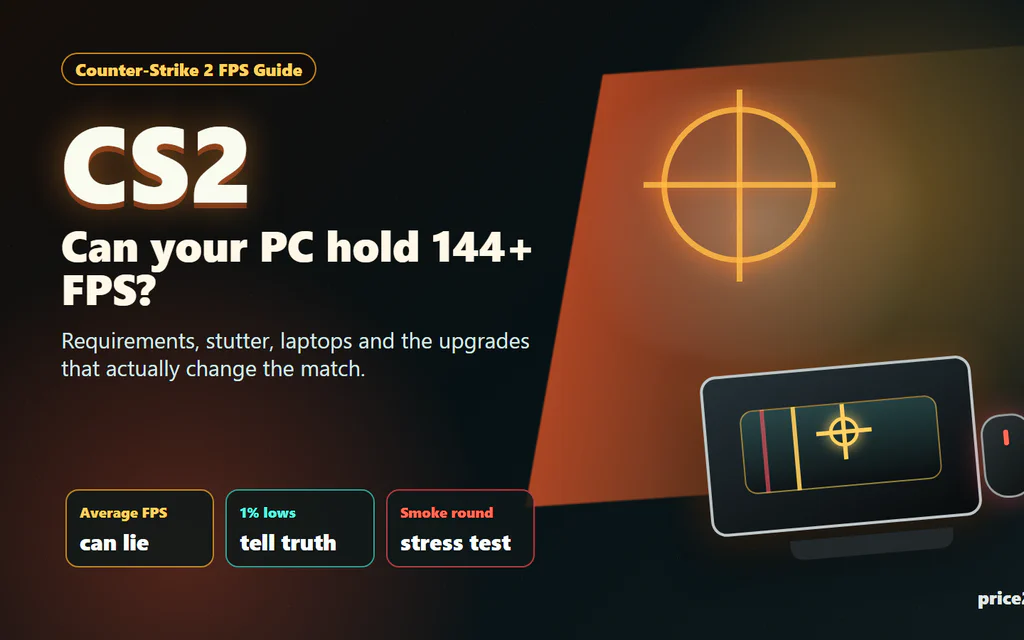
Counter-Strike 2 FPS checklist showing CPU, GPU, RAM and laptop heat bottlenecks.

Counter-Strike 2 System Requirements: What Matters for Smooth FPS

Counter-Strike 2 has a funny way of embarrassing a PC. The menu opens, the match loads, the first pistol round feels fine, and then two smokes, a molotov and five players rushing a site make the game feel like it forgot how to breathe. That is why the real question is not only “Can my PC launch CS2?” It is “Will CS2 stay smooth when the round gets messy?” Here is the short version: Valve’s official minimum requirements are modest, but they are a floor, not a comfort promise. For a good CS2 experience, the CPU, frame pacing, RAM pressure, laptop thermals and latency settings matter just as much as the graphics card name. ...