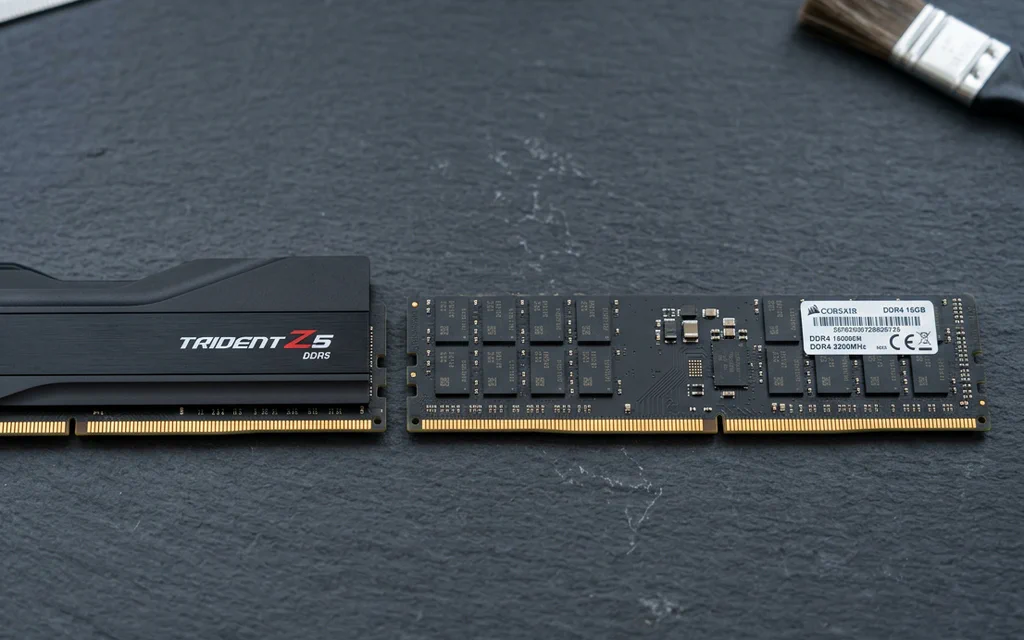
DDR5 and DDR4 desktop memory modules side by side on a slate workbench.

DDR4 vs DDR5: Compatibility, Latency and Upgrade Decisions

Choose the memory generation your exact motherboard supports. If your DDR4 PC already has enough memory and meets your performance target, DDR5 alone is not a reason to replace the platform. For a new build, compare the total CPU, motherboard and memory cost—not a universal FPS promise. The confusing part is that a faster-looking number can describe a different thing. DDR5-6000 CL30 and DDR4-3200 CL16 both have a calculated CAS component of 10 ns. They do not therefore have identical complete memory latency, bandwidth or gaming performance. Here is how to make a choice without turning a timing formula into a benchmark. ...

AMD Ryzen 7 9800X3D retail box on a dark product background.

Best Energy-Efficient CPUs 2026: 9800X3D, N100 & More

If you need the short answer: start with Intel N100, N150 or N305 class hardware for a 24/7 home server, Ryzen 7 9800X3D for an efficient gaming PC, Ryzen 7 8700G for a quiet office desktop without a graphics card, Ryzen 9 9950X with sensible power limits for heavy workstation work, and Ryzen 7 9700X for a balanced local AI or development build. Energy-efficient does not mean “the CPU with the lowest watt number.” It means the right processor for the way your PC actually lives: how many hours it runs, how much heat it adds to the room, how loud the fans get, how much useful work it finishes, and whether the CPU is even the real bottleneck. For a 24/7 home server, the best CPU is usually the one inside a low-idle platform. For a quiet office desktop, it may be the chip that lets you skip a discrete graphics card. For gaming, efficiency means strong frame times without wasting cooling and budget. For workstation tasks, a faster CPU can sometimes use less energy per finished render or compile because it finishes sooner and returns to idle. That is the rule for this guide: Buy for the workload, not for the watt label. ...

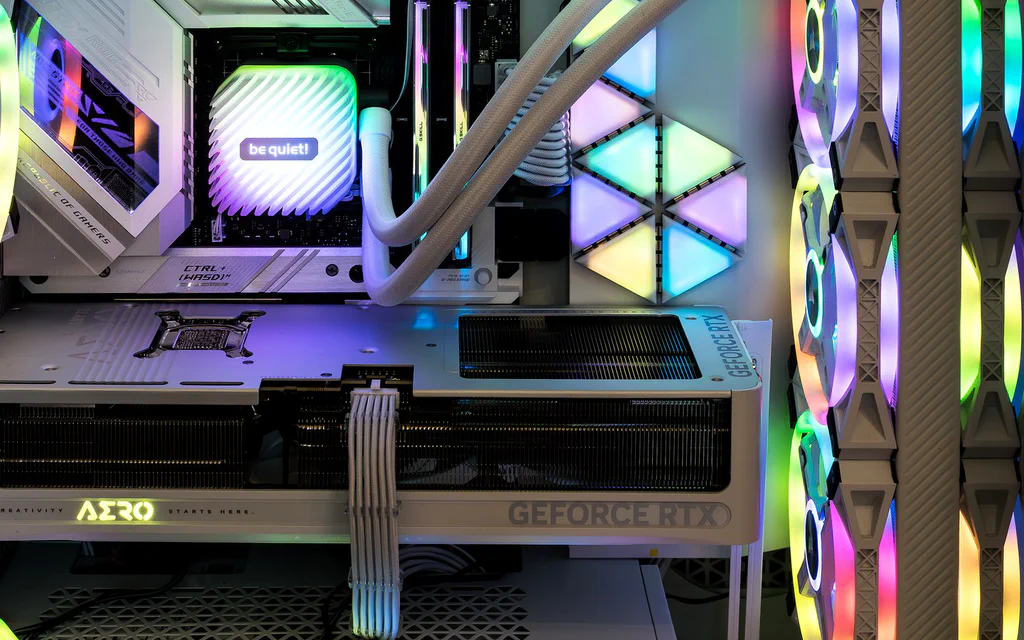
Representative open PC interior showing a graphics card, memory, cooling and case airflow for a custom PC build guide.

Best PC Builds by Budget and Use Case: Ready Part Lists

If you came here for PC builds, start with the build that matches the job. A gaming PC, a quiet family desktop, a creator machine and a local-AI box do not fail in the same places, so copying one random cart is how people end up with a strong GPU, a weak power supply, a cramped case or not enough memory. Use these as ready build templates: pick the closest lane, copy the part classes into your store tabs, then check the seller, final price, compatibility, warranty and return window before you pay. The price windows below are planning bands, not checkout promises; one GPU sale, store bundle or weak PSU can change the right answer. ...

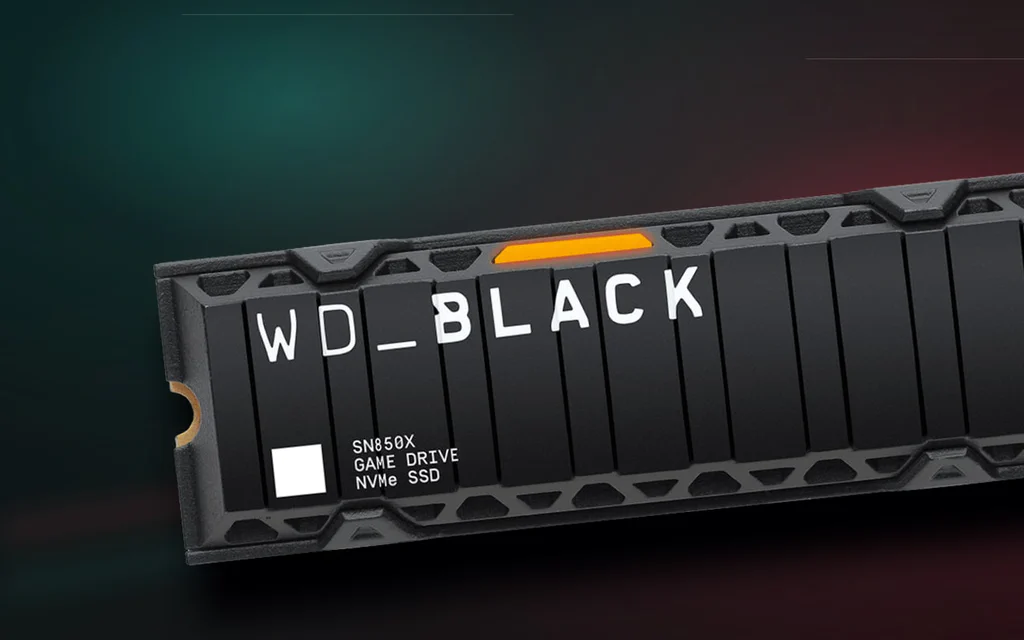
WD Black SN850X heatsink NVMe SSD shown as a premium product cover for the SSD buying guide.

Best SSDs to Buy in 2026: Pick by Device, Not Peak Speed

The fastest SSD is not automatically the best SSD to buy. That matters more in 2026 than it did a year ago. SSD prices are more volatile, Crucial’s consumer retail exit has changed the closeout calculus, Gen5 drives are finally genuinely fast, and marketplace listings have become noisy enough that a suspiciously cheap “Samsung 990 Pro” deserves a second look before checkout. So start with the device, not the headline speed. A PlayStation 5 needs a Gen4 M.2 drive with a heatsink. A thin laptop may reject a tall heatsink or a double-sided module. A gaming desktop usually wants a good 2TB PCIe 4.0 TLC drive, not a hot Gen5 flagship. A video editor may actually benefit from a Gen5 scratch drive, but only if the platform and cooling can support it. ...