Connected home protected by a digital shield, with Wi-Fi, cameras, phones, and laptops on a home network.

Home Cybersecurity Checklist: 10 Digital Safety Steps That Matter

You do not need to become a security professional. You need a home setup where the obvious disasters are harder to trigger: stolen email, reused passwords, fake urgent messages, lost photos, infected devices, weak router settings, and work-account mistakes. Start with the checklist below. It is ordered by damage, not by technical glamour. If you only have one evening, protect your main email, money accounts, password manager, updates, and one real backup. ...

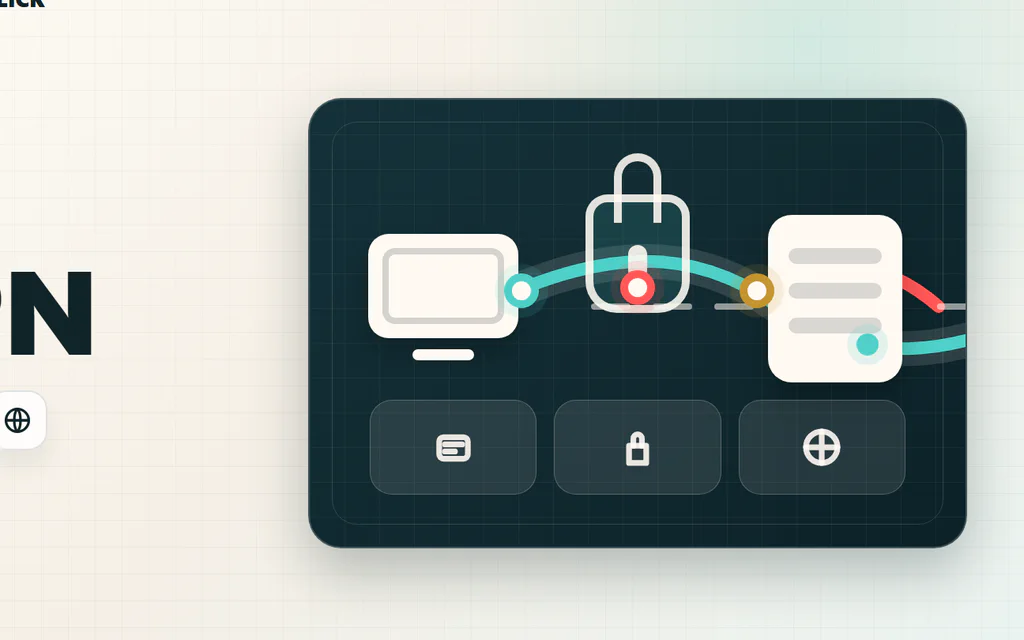
Schematic VPN route from a device through an encrypted tunnel to a VPN server and website.

What Is a VPN? What It Does, What It Does Not Do

A VPN is a privacy and routing tool. It creates an encrypted connection from your device to a VPN server, then sends your internet traffic from that server to websites and apps. That changes three practical things: people on the local network have a harder time seeing what you are doing, websites usually see the VPN server’s IP address instead of your home IP, and your traffic can appear to come from another city or country. It does not make you anonymous, stop phishing, clean malware, protect weak passwords, or erase tracking from accounts you log into. A VPN can be useful, but it is not a magic shield. The right question is: what problem are you trying to solve? ...

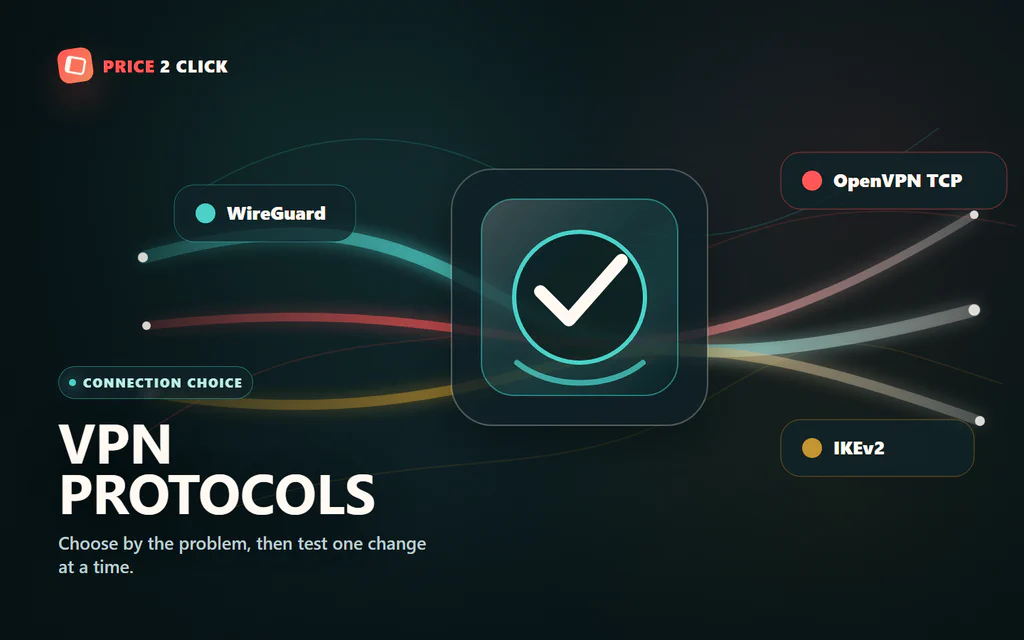
A VPN protocol selector with WireGuard, OpenVPN TCP, and IKEv2 paths converging through an encrypted route.

VPN Protocols Explained: Which One Should You Use?

Your VPN app probably has a setting called Protocol, Connection protocol, or VPN protocol. Most people leave it on Automatic, and that is fine until something feels wrong: slow downloads, high ping, blocked hotel Wi-Fi, a phone that drops the tunnel when switching networks, or one app that refuses to work through the VPN. For most normal home use, start with the app’s modern fast protocol: WireGuard, NordLynx, Lightway, or the provider’s recommended equivalent. If that works, do not overthink it. If it does not, the right fallback depends on the problem you are trying to solve. If you are still asking what a VPN changes in the first place, start with our plain-English VPN explainer first. This protocol guide assumes you already use a VPN and need to choose the connection mode. ...

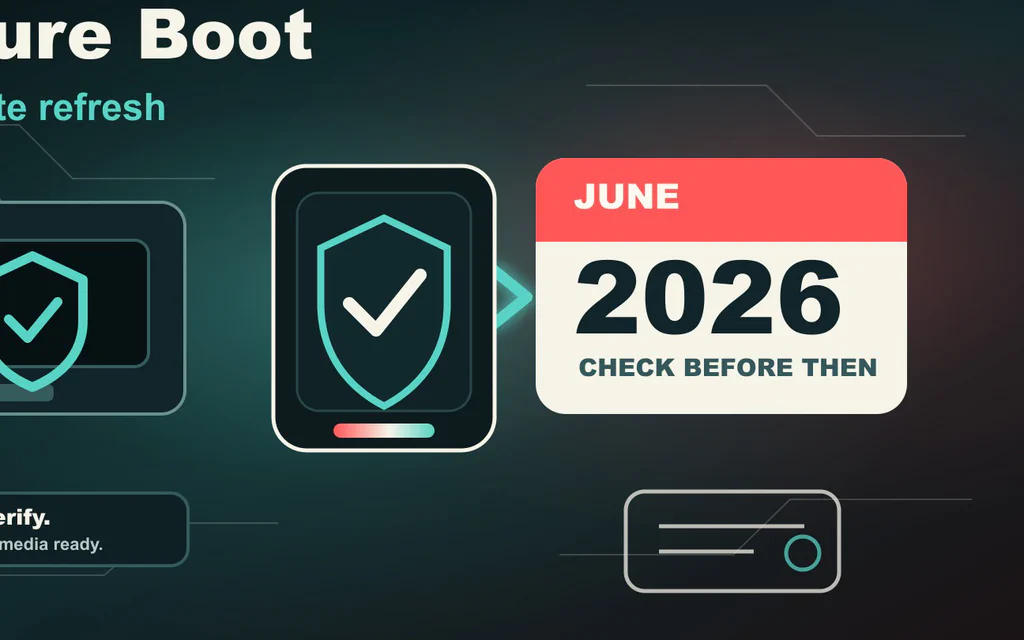
Editorial illustration of a Windows PC boot path passing a Secure Boot certificate check before a June 2026 deadline.

Windows Secure Boot Certificates Expire in 2026: What to Check Before June

Microsoft is replacing the Secure Boot certificates that many Windows PCs have trusted since 2011. Two of those old certificate authorities start expiring in June 2026, and the Windows boot certificate follows in October 2026. That sounds like a timer attached to every PC. It is not quite that. Microsoft says unsupported certificate state should not make a normal PC instantly stop booting on June 1, 2026. The more realistic risk is quieter but still important: a PC that misses the 2023 certificate refresh may stop being eligible for future early-boot protections, boot-manager security updates, revocations and recovery-media changes. So the right move is not panic. The right move is to check now, update safely, and avoid breaking your own recovery path. ...

Remote worker using a laptop at an outdoor cafe-style table.

Best VPN for Privacy and Remote Work: Choose by Risk, Not Hype

A VPN is useful, but it is not a cloak of invisibility. It can hide your traffic from the coffee-shop network, reduce what your internet provider can see, and give remote workers a safer route on networks they do not control. It cannot make bad passwords safe, erase cookies, override company policy, or make you anonymous while you are logged in to Google, Microsoft, Slack, Steam, or your bank. So the right question is not “which VPN is the most private?” It is “what risk am I trying to reduce, and will this VPN make my day easier or more annoying?” Price2Click picks: start with the risk you are trying to reduce, then check the proof and the plan terms. NordVPN is the first mainstream privacy pick to compare if you want a feature-rich personal setup, audited no-logs material, and a 10-device account limit that fits your use. Surfshark is the value pick for households and many personal devices, but its “unlimited devices” promise is not a substitute for team access management. ExpressVPN is the simple premium pick if you want a clean travel-friendly app, but you should check the exact simultaneous-connection limit on the plan you are buying. A business VPN or secure access product such as NordLayer is the right lane when the real need is fixed IP allowlisting, SSO/MFA, admin control, and offboarding. If this is for a work laptop, stop for a second: use your employer’s approved VPN or security tool first. Do not route company traffic through a personal VPN unless your IT policy clearly allows it. Before paying, check the current plan page. VPN prices, renewal terms, device limits, refund wording, and app-store exceptions change often. A good VPN on paper is not good for you until it works with your real video calls, bank logins, client portals, cloud uploads, and travel networks. ...