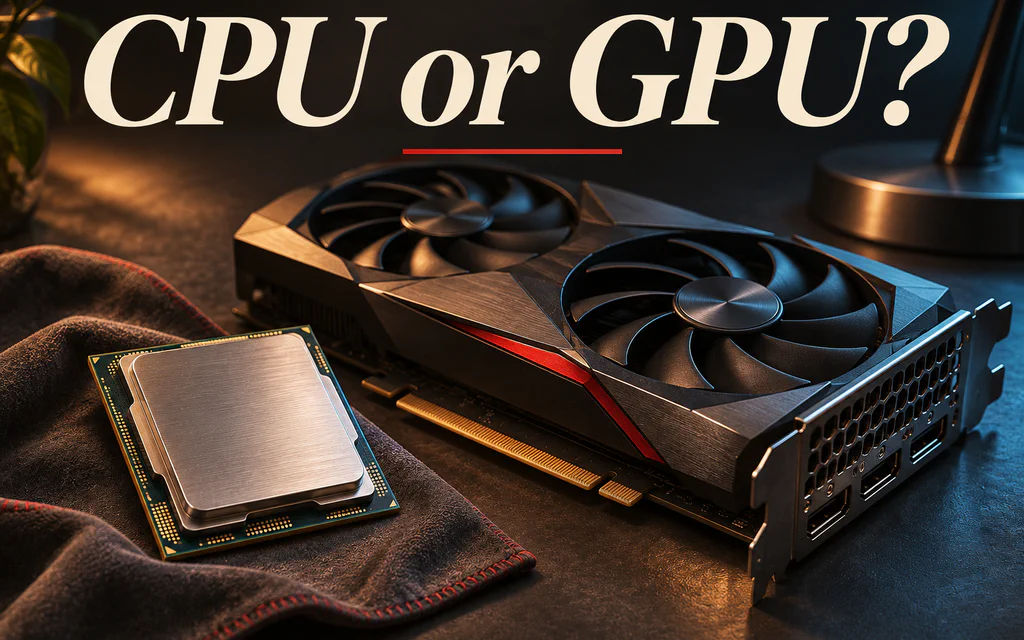
Conceptual editorial image of a processor and graphics card on a workbench, with the title CPU or GPU?

CPU or GPU Bottleneck? Test What Limits Your FPS

To find whether CPU or GPU limits your FPS, repeat the same game scene at your usual settings and at a substantially lower render resolution, while recording FPS, frame times and relevant utilization. Compare several runs, not one screenshot. If FPS improves consistently when GPU work falls, the original setup was at least partly graphics-limited. If it barely changes, investigate CPU, engine, caps and other limits; low GPU use alone does not prove you need a new processor. ...

AMD Ryzen 7 9800X3D retail box on a dark product background.

Best Energy-Efficient CPUs 2026: 9800X3D, N100 & More

If you need the short answer: start with Intel N100, N150 or N305 class hardware for a 24/7 home server, Ryzen 7 9800X3D for an efficient gaming PC, Ryzen 7 8700G for a quiet office desktop without a graphics card, Ryzen 9 9950X with sensible power limits for heavy workstation work, and Ryzen 7 9700X for a balanced local AI or development build. Energy-efficient does not mean “the CPU with the lowest watt number.” It means the right processor for the way your PC actually lives: how many hours it runs, how much heat it adds to the room, how loud the fans get, how much useful work it finishes, and whether the CPU is even the real bottleneck. For a 24/7 home server, the best CPU is usually the one inside a low-idle platform. For a quiet office desktop, it may be the chip that lets you skip a discrete graphics card. For gaming, efficiency means strong frame times without wasting cooling and budget. For workstation tasks, a faster CPU can sometimes use less energy per finished render or compile because it finishes sooner and returns to idle. That is the rule for this guide: Buy for the workload, not for the watt label. ...
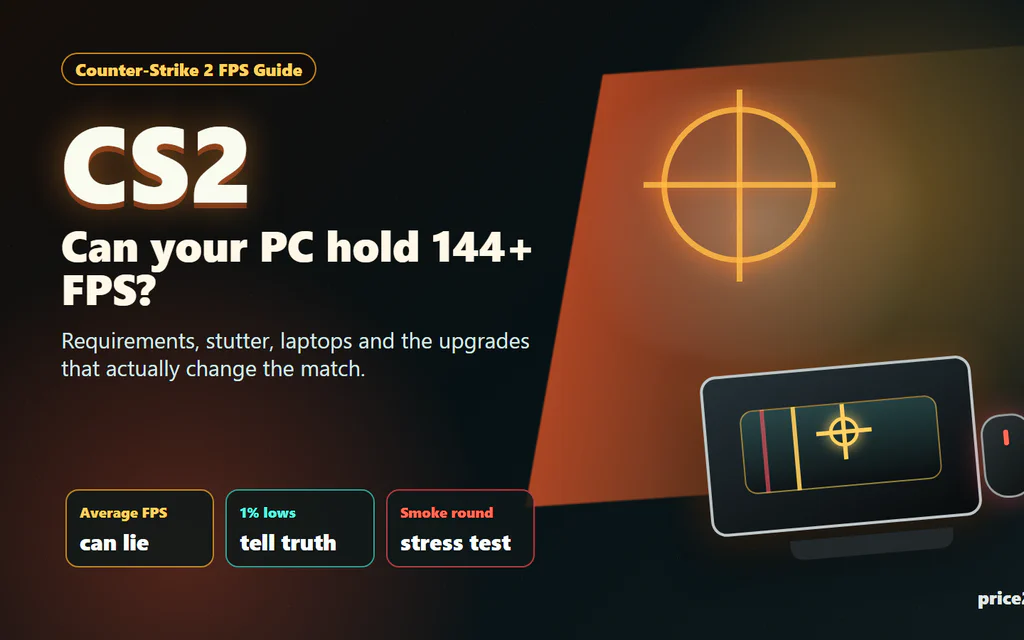
Counter-Strike 2 FPS checklist showing CPU, GPU, RAM and laptop heat bottlenecks.

Counter-Strike 2 System Requirements: What Matters for Smooth FPS

Counter-Strike 2 has a funny way of embarrassing a PC. The menu opens, the match loads, the first pistol round feels fine, and then two smokes, a molotov and five players rushing a site make the game feel like it forgot how to breathe. That is why the real question is not only “Can my PC launch CS2?” It is “Will CS2 stay smooth when the round gets messy?” Here is the short version: Valve’s official minimum requirements are modest, but they are a floor, not a comfort promise. For a good CS2 experience, the CPU, frame pacing, RAM pressure, laptop thermals and latency settings matter just as much as the graphics card name. ...