
Editorial illustration of a silver laptop on a green desk beside a charger, a sleeve, a battery and a memory module.

How Long Do Laptops Last? A Four-Year Buying Checklist

A laptop can still turn on and be finished as your laptop. Perhaps its battery no longer gets you through the commute. Perhaps the memory is full whenever your work apps are open. Or a broken charging port turns an otherwise healthy machine into an expensive repair. You cannot predict its retirement date from the logo. You can check which of those problems would be affordable to fix. For a four-year purchase, start with three things: enough capacity where upgrades are impossible, an obtainable battery with a sensible repair route, and support for the software you actually need. A fast processor helps, but it cannot compensate for every other limit. ...
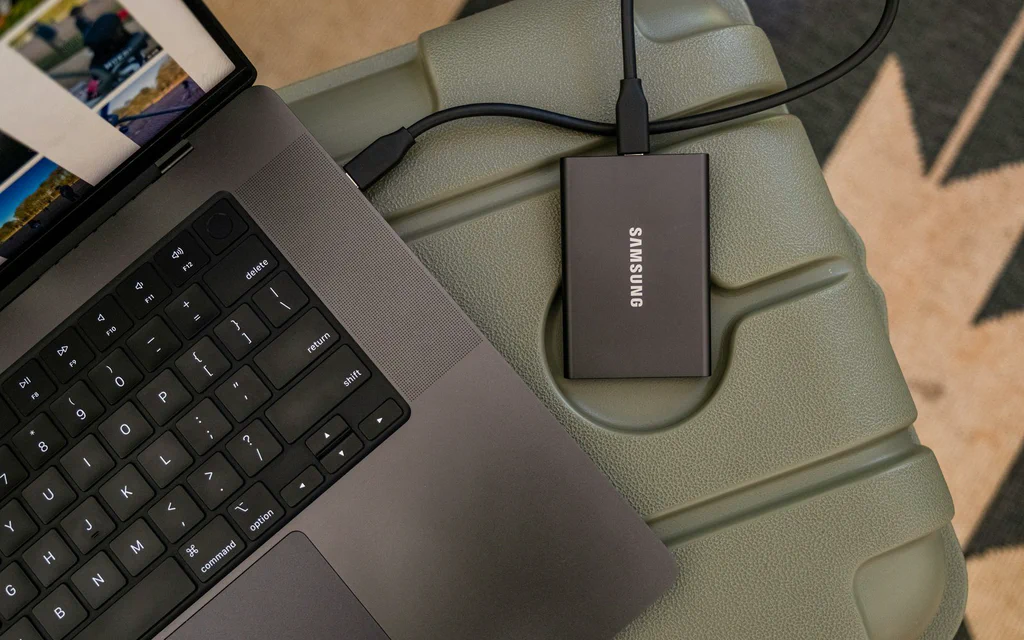
Portable external SSD connected to a laptop for file backup and storage planning.

External Drive, NAS, Cloud or Home Server: How to Choose Storage Without Losing Data

Most storage mistakes start with the wrong question. “How many terabytes should I buy?” sounds practical, but it skips the thing that decides everything: what job the storage has to do. A drive for a Steam library is not the same as a family-photo backup. Cloud sync is not the same as recovery. A NAS can be excellent, but it is also a small server that needs updates, power, passwords and a restore plan. Start here: choose the storage path by job, then check capacity, speed and price. ...