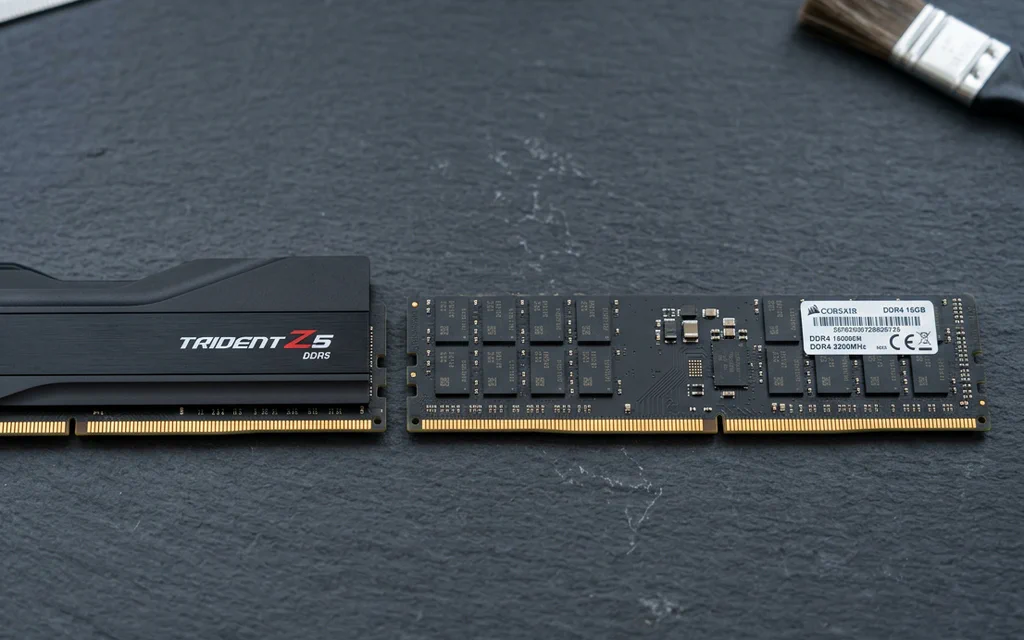
DDR5 and DDR4 desktop memory modules side by side on a slate workbench.

DDR4 vs DDR5: Compatibility, Latency and Upgrade Decisions

Choose the memory generation your exact motherboard supports. If your DDR4 PC already has enough memory and meets your performance target, DDR5 alone is not a reason to replace the platform. For a new build, compare the total CPU, motherboard and memory cost—not a universal FPS promise. The confusing part is that a faster-looking number can describe a different thing. DDR5-6000 CL30 and DDR4-3200 CL16 both have a calculated CAS component of 10 ns. They do not therefore have identical complete memory latency, bandwidth or gaming performance. Here is how to make a choice without turning a timing formula into a benchmark. ...
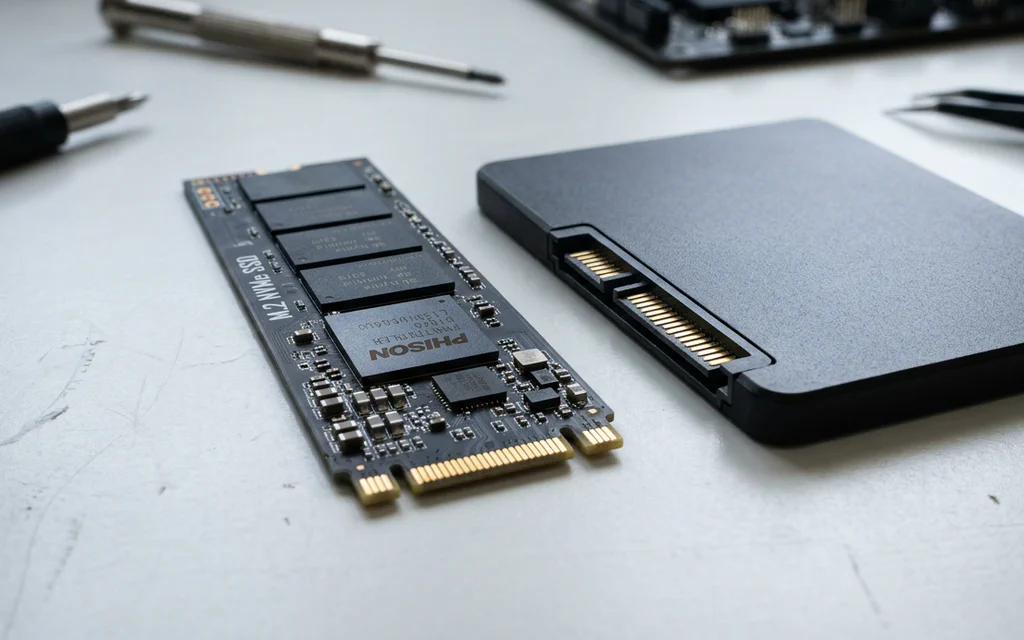
An M.2 NVMe SSD stick resting next to a 2.5-inch SATA SSD on a workbench.

NVMe vs SATA SSDs Explained: Speeds, Slots, and What Actually Matters in 2026

If you look at the packaging on a modern solid-state drive, the marketing numbers look absurd. A standard SATA drive advertises read speeds around 550 MB/s. A mainstream PCIe 4.0 NVMe drive advertises 7,000 MB/s — nearly thirteen times faster. A PCIe 5.0 drive pushes past 14,000 MB/s. Naturally, you would expect Windows to boot thirteen times faster and your games to load in the blink of an eye. Yet when you plug in that blazing-fast NVMe drive, Windows boots in 8 seconds instead of 10. Cyberpunk 2077 loads in 11 seconds instead of 13. Why does a 1,300% theoretical speed advantage turn into a barely noticeable difference in daily desktop use? And with both drive types sitting on store shelves in 2026, where does NVMe truly matter, and is there any reason left to buy a SATA drive? Let us break down how these two storage technologies work, compare their live market pricing and real-world performance, and highlight the most common compatibility traps when upgrading your PC or laptop. ...

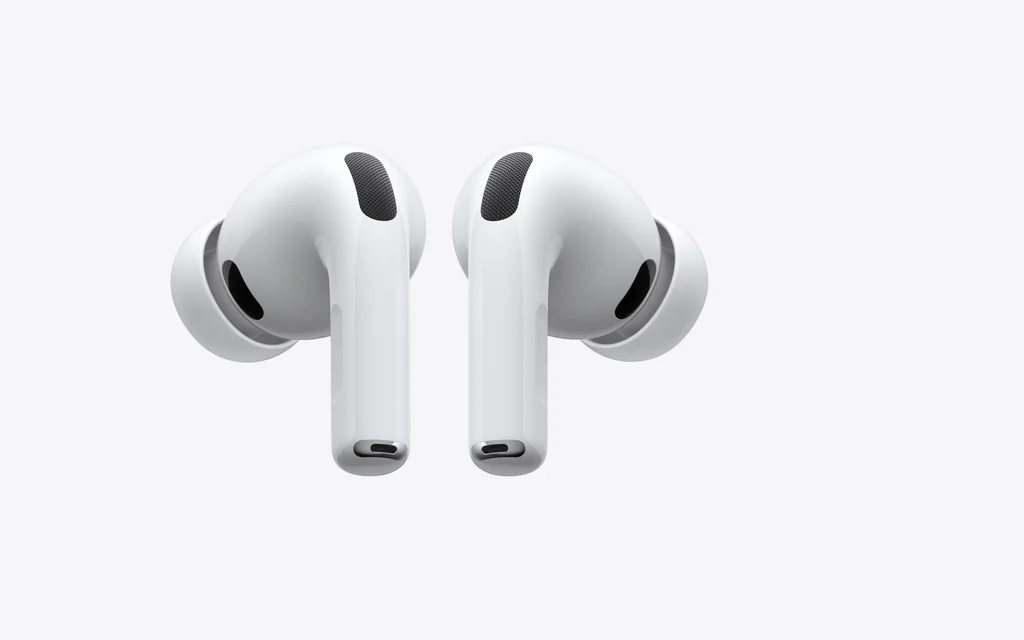
AirPods Pro earbuds and case shown as a representative mainstream wireless earbuds buying-guide cover.

Best Wireless Headphones and Earbuds: Buy by Phone, Calls, Travel, Gym, and Battery

If you want wireless headphones or earbuds for normal life, start with the job, not the brand. The right answer changes if you use an iPhone, a Galaxy phone, Windows calls, airplanes, gym sessions, or games. Start here: Start here Buy by job: phone, calls, travel, gym, budget, or gaming Wireless audio is wearable gear. Fit, platform support, microphone behavior, return windows, and battery aging matter as much as the headline spec sheet. iPhoneAirPods Pro 3Best first check when Apple pairing, Find My, controls, and low-friction daily use matter more than codec shopping. GalaxyGalaxy Buds4 ProUse Samsung's best features only when your phone can actually use them; otherwise compare Sony, Bose, Google, Nothing, or Soundcore. Travel ANCSony WH-1000XM6 or Bose QuietComfort Ultra 2Full-size ANC is still the calmer choice for planes and offices. Fit, heat, pressure, and call quality decide the keeper. CallsJabra Evolve3 85A work headset is built around voice pickup and meeting compatibility, not just music. BudgetSoundcore Space A40A sensible value check for ANC, app EQ, multipoint, and long claimed runtime. Keep the return window. GymPowerbeats Pro 2Ear hooks are still the safer answer when loose earbuds make workouts annoying. GamingSteelSeries Arctis Nova 5 WirelessUse 2.4 GHz wireless for low-latency games. Bluetooth is the backup convenience mode. ...

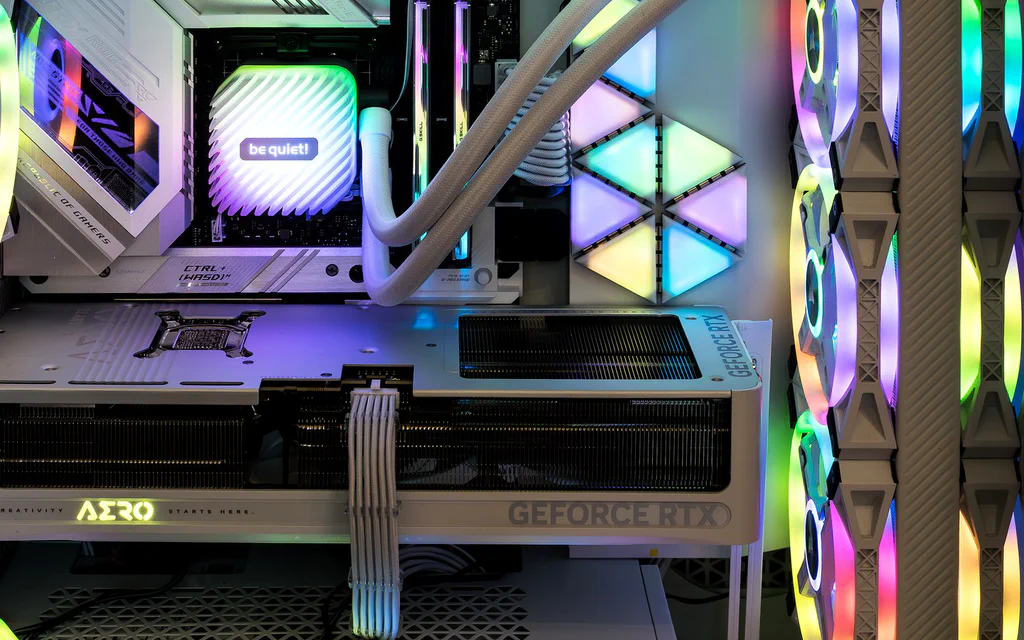
Representative open PC interior showing a graphics card, memory, cooling and case airflow for a custom PC build guide.

Best PC Builds by Budget and Use Case: Ready Part Lists

If you came here for PC builds, start with the build that matches the job. A gaming PC, a quiet family desktop, a creator machine and a local-AI box do not fail in the same places, so copying one random cart is how people end up with a strong GPU, a weak power supply, a cramped case or not enough memory. Use these as ready build templates: pick the closest lane, copy the part classes into your store tabs, then check the seller, final price, compatibility, warranty and return window before you pay. The price windows below are planning bands, not checkout promises; one GPU sale, store bundle or weak PSU can change the right answer. ...

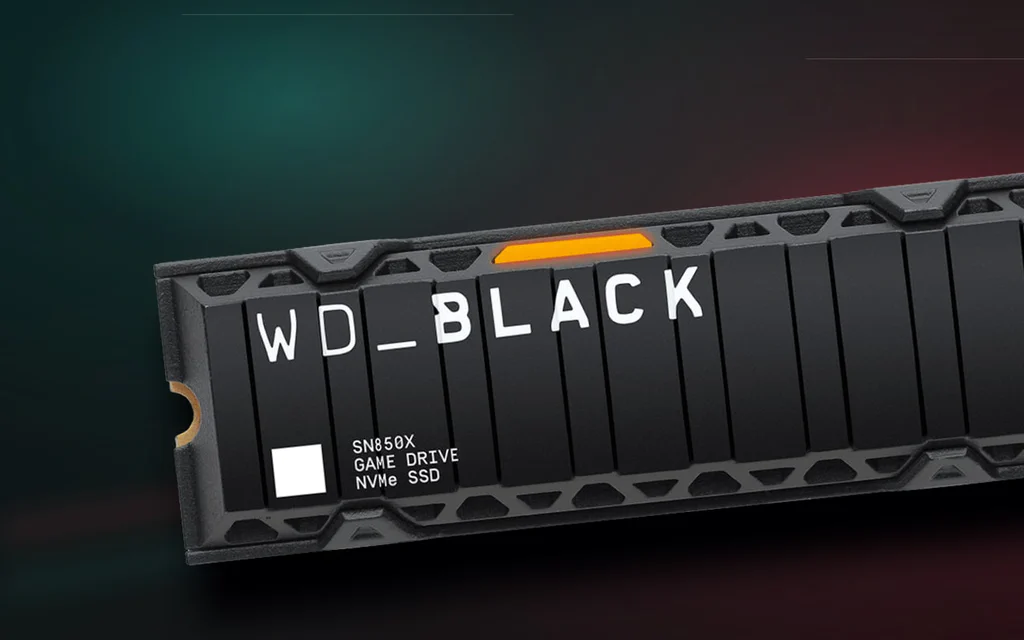
WD Black SN850X heatsink NVMe SSD shown as a premium product cover for the SSD buying guide.

Best SSDs to Buy in 2026: Pick by Device, Not Peak Speed

The fastest SSD is not automatically the best SSD to buy. That matters more in 2026 than it did a year ago. SSD prices are more volatile, Crucial’s consumer retail exit has changed the closeout calculus, Gen5 drives are finally genuinely fast, and marketplace listings have become noisy enough that a suspiciously cheap “Samsung 990 Pro” deserves a second look before checkout. So start with the device, not the headline speed. A PlayStation 5 needs a Gen4 M.2 drive with a heatsink. A thin laptop may reject a tall heatsink or a double-sided module. A gaming desktop usually wants a good 2TB PCIe 4.0 TLC drive, not a hot Gen5 flagship. A video editor may actually benefit from a Gen5 scratch drive, but only if the platform and cooling can support it. ...

Premium desk setup with a mechanical keyboard, monitor, mouse and wooden wrist rest.

Best Mechanical Keyboards to Buy in 2026: Pick by Regret, Not Hype

The best mechanical keyboards in 2026 are not all trying to solve the same problem. That sounds obvious until you start shopping. One tab says Hall Effect is the future. Another says gasket-mounted budget boards now sound like customs. A third tells you a low-profile wireless board is the grown-up answer. Then a review site ranks a full-size aluminum tank, a gaming site crowns a magnetic switch board, and a forum thread tells you the software is the real villain. All of those can be true. So I would not start with the question “What is the best mechanical keyboard?” I would start with the regret you are trying to avoid. Do you hate loud switches? Need a numpad? Play competitive shooters? Move between a MacBook and a desktop? Want the nice keyboard sound without spending $250? The right answer changes fast once the job is clear. Use the May 20, 2026 price cues below as a shopping map, not a checkout promise. Color, switch, barebone/assembled variants, coupons and seller stock can change the real answer. ...

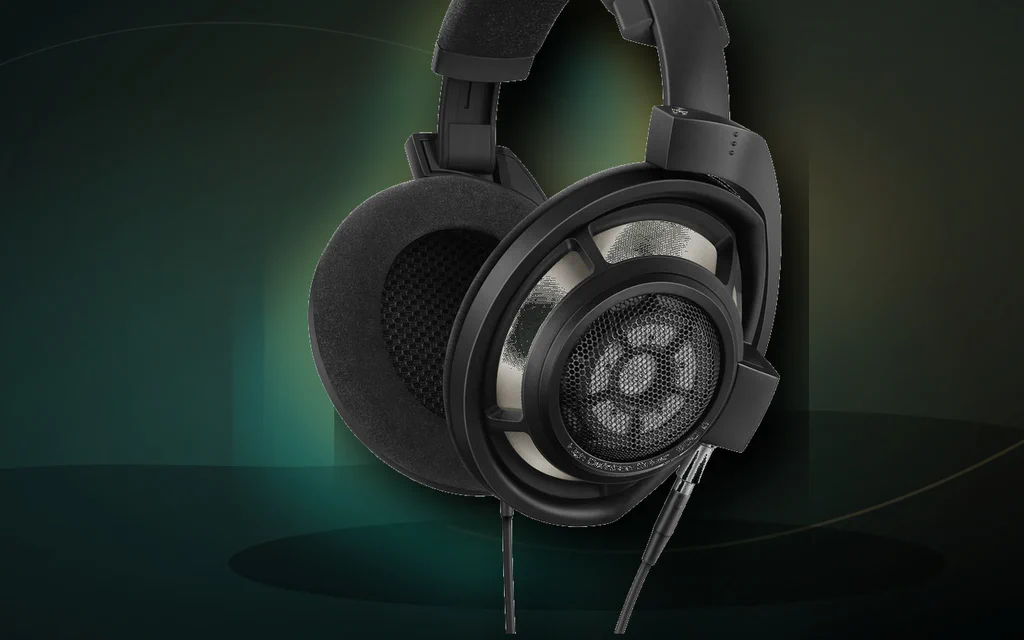
Premium open-back headphones on a dark studio-style background.

Best Studio Headphones, Hi-Fi Headphones, and IEMs in 2026: Buy by Job, Fit, and Return Window

The best headphone is not the most expensive one in the list. It is the one that fits your job, your head, your ears, your room, and the device you will plug it into. That sounds obvious until you start shopping. Open-back studio headphones can be excellent for mixing and terrible beside a live microphone. A famous Hi-Fi flagship can sound huge and detailed, then feel too lean for your music taste. A cheap IEM can be a brilliant value and still be a bad buy if the nozzle hurts your ear. A premium ANC headphone can make flights peaceful and still be the wrong tool for judging a mix. So start here: Recording vocals, guitars, podcasts, or voiceover: buy a closed-back studio headphone first. Mixing in a quiet room: use an open-back studio headphone once the room is quiet enough. Serious quiet-room music listening: audition a Hi-Fi open-back before spending flagship money. Phone/laptop wired listening: start with an easy IEM and make fit the first test. Travel, office focus, cafe work: compare ANC comfort and pressure before chasing specs. Work calls: buy for microphone reliability and meeting compatibility, not just music sound. ...