Price2Click logoPRICE2CLICK
Language & region ENUS
Language
  • EN English · en-US
  • DE Deutsch · de-DE
  • ES Español · es-ES
  • FR Français · fr-FR
  • PT-BR Português do Brasil · pt-BR
  • RU Русский · ru
Shopping region
US United States · USD
  • Home
  • Categories
  • Tech Help
  • About Us
  • Contact
Social
Computers & Components category icon
Category

Computers & Components

PC, laptop, component, and monitor advice focused on value, compatibility, upgrades, and real-world tradeoffs.

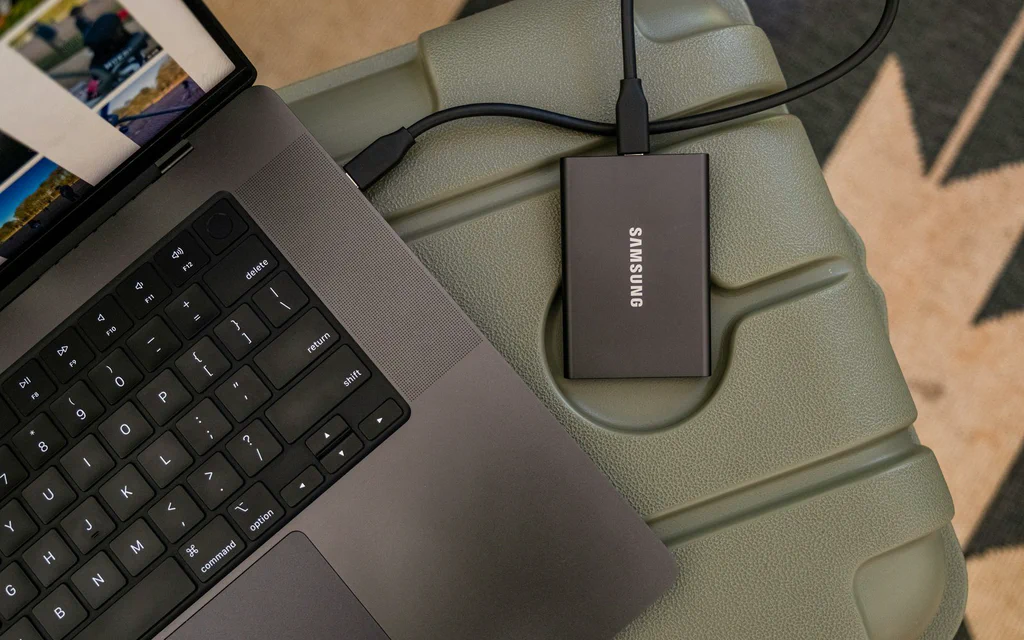
Portable external SSD connected to a laptop for file backup and storage planning.

External Drive, NAS, Cloud or Home Server: How to Choose Storage Without Losing Data

Most storage mistakes start with the wrong question. “How many terabytes should I buy?” sounds practical, but it skips the thing that decides everything: what job the …

May 31, 2026 ·  Price2Click Editorial  ·  10 min read ·  Guides & How-Tos ,  Computers & Components
Read more
A laptop buying workspace on a dark graphite desk with sticky notes and laptops open under warm lighting.

Ultrabook Buying Guide: How to Choose a Thin Laptop in 2026

Buying a thin laptop in 2026 starts with a simple worry: what if you drop a grand on a gorgeous machine, open it up, and realize you hate it? Maybe you went with a …

May 19, 2026 ·  Updated May 20, 2026 ·  Georgii Vorot  ·  15 min read ·  Computers & Components ,  Buying Guides
Read more
ASUS TUF Gaming GeForce RTX 4070 Ti Super triple-fan graphics card from an official ASUS press image.

RTX 4070 Ti Super: Used Price Check and Buying Rules

The short version: Should you buy a used 4070 Ti Super or a new RTX 5070? A used or open-box RTX 4070 Ti Super is worth chasing only when the final price is clearly below …

May 16, 2026 ·  Updated May 20, 2026 ·  Georgii Vorot  ·  14 min read ·  Computers & Components
Read more
AMD Ryzen 7 9800X3D retail box on a dark product background.

Best Energy-Efficient CPUs 2026: 9800X3D, N100 & More

If you need the short answer: start with Intel N100, N150 or N305 class hardware for a 24/7 home server, Ryzen 7 9800X3D for an efficient gaming PC, Ryzen 7 8700G for a …

May 14, 2026 ·  Updated July 6, 2026 ·  Georgii Vorot  ·  32 min read ·  Computers & Components ,  Buying Guides
Read more
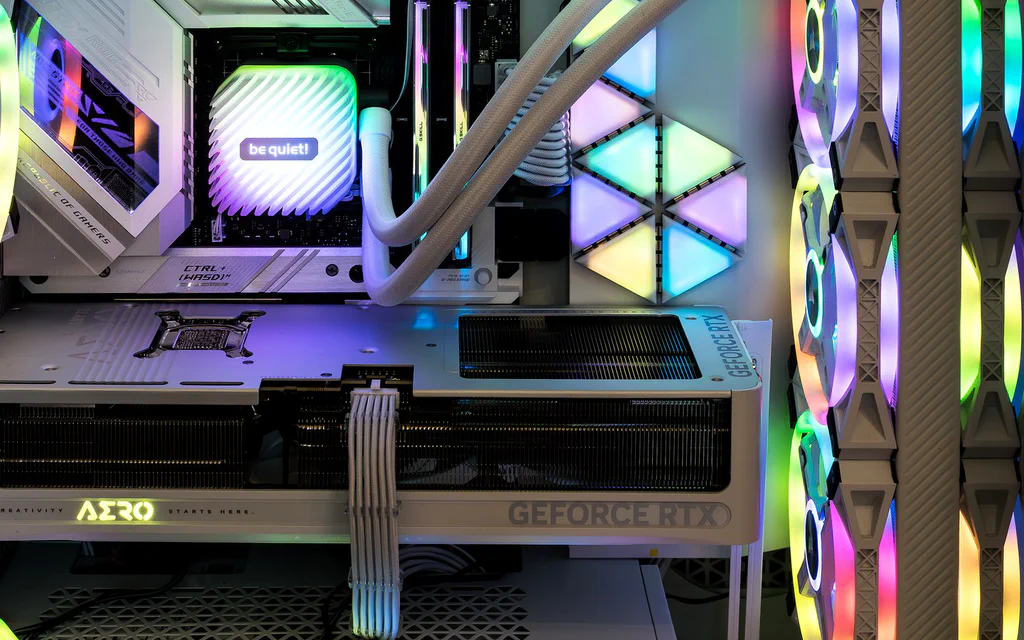
Representative open PC interior showing a graphics card, memory, cooling and case airflow for a custom PC build guide.

Best PC Builds by Budget and Use Case: Ready Part Lists

If you came here for PC builds, start with the build that matches the job. A gaming PC, a quiet family desktop, a creator machine and a local-AI box do not fail in the …

May 14, 2026 ·  Updated September 4, 2026 ·  Price2Click Editorial  ·  24 min read ·  Computers & Components ,  Buying Guides
Read more
AMD Radeon RX 9070 XT graphics card used as the cover for a 1440p GPU buying guide.

Best Graphics Cards for 1440p Gaming in 2026: Every Build Type

1440p is not one workload. A 75Hz monitor, a 165Hz ultrawide, Cyberpunk with path tracing, a silent living-room PC and a Blender workstation all ask for different things …

May 12, 2026 ·  Updated August 6, 2026 ·  Georgii Vorot  ·  22 min read ·  Computers & Components
Read more
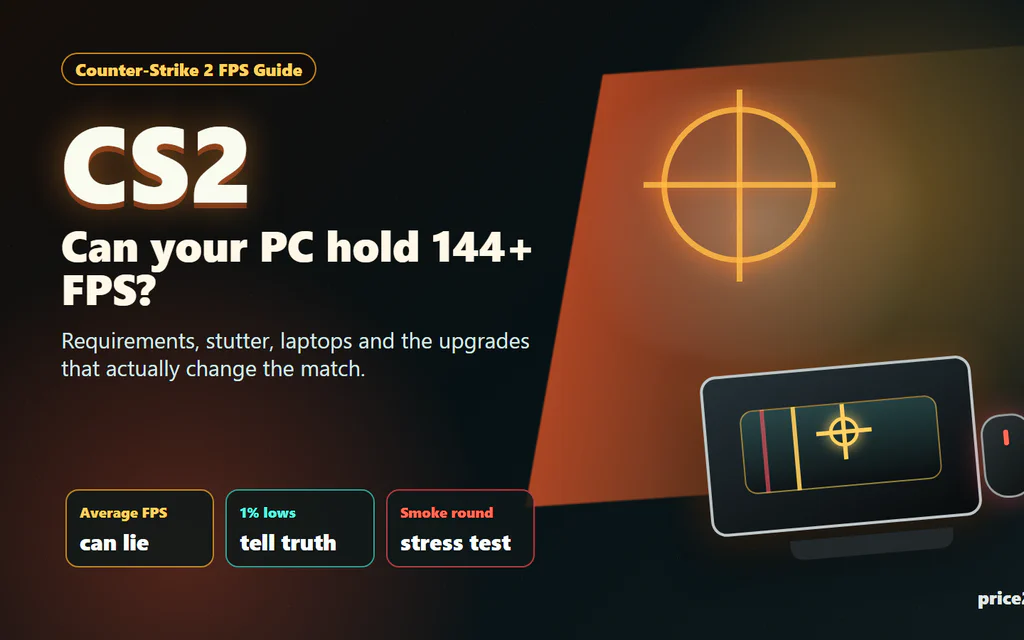
Counter-Strike 2 FPS checklist showing CPU, GPU, RAM and laptop heat bottlenecks.

Counter-Strike 2 System Requirements: What Matters for Smooth FPS

Counter-Strike 2 has a funny way of embarrassing a PC. The menu opens, the match loads, the first pistol round feels fine, and then two smokes, a molotov and five players …

May 10, 2026 ·  Updated May 21, 2026 ·  Price2Click Editorial  ·  17 min read ·  Guides & How-Tos ,  Computers & Components ,  Apps & Gaming
Read more
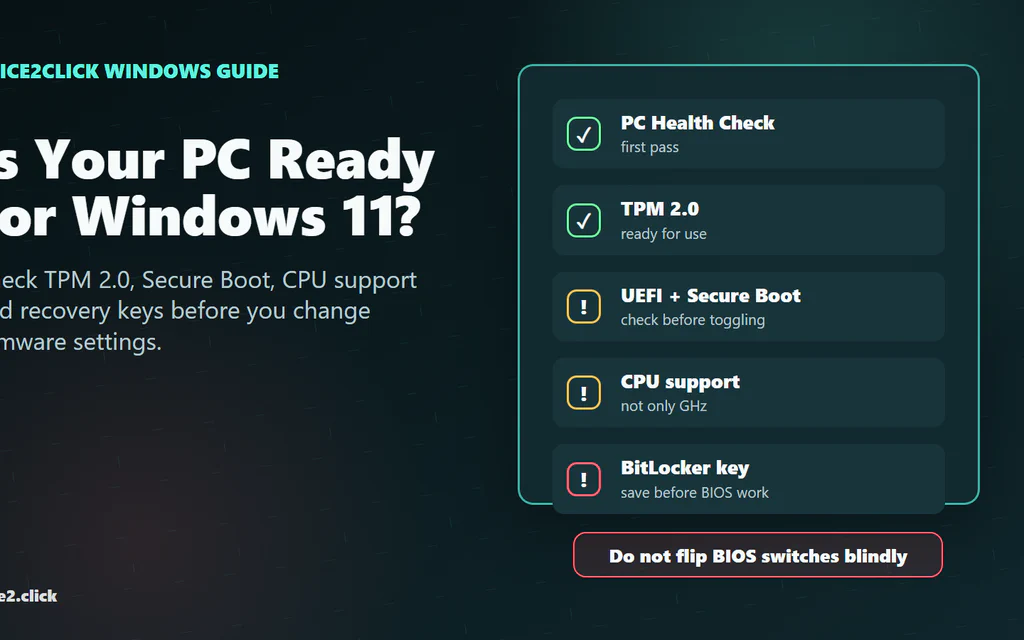
Windows 11 readiness checklist showing PC Health Check, TPM 2.0, Secure Boot, CPU support and BitLocker recovery keys.

How to Check If Your PC Is Ready for Windows 11: TPM, Secure Boot, CPU and Recovery Keys

The fastest safe way to check whether your PC is ready for Windows 11 is to run Microsoft’s PC Health Check app, then confirm the result with two built-in Windows …

May 10, 2026 ·  Updated June 1, 2026 ·  Georgii Vorot  ·  16 min read ·  Guides & How-Tos ,  Computers & Components
Read more
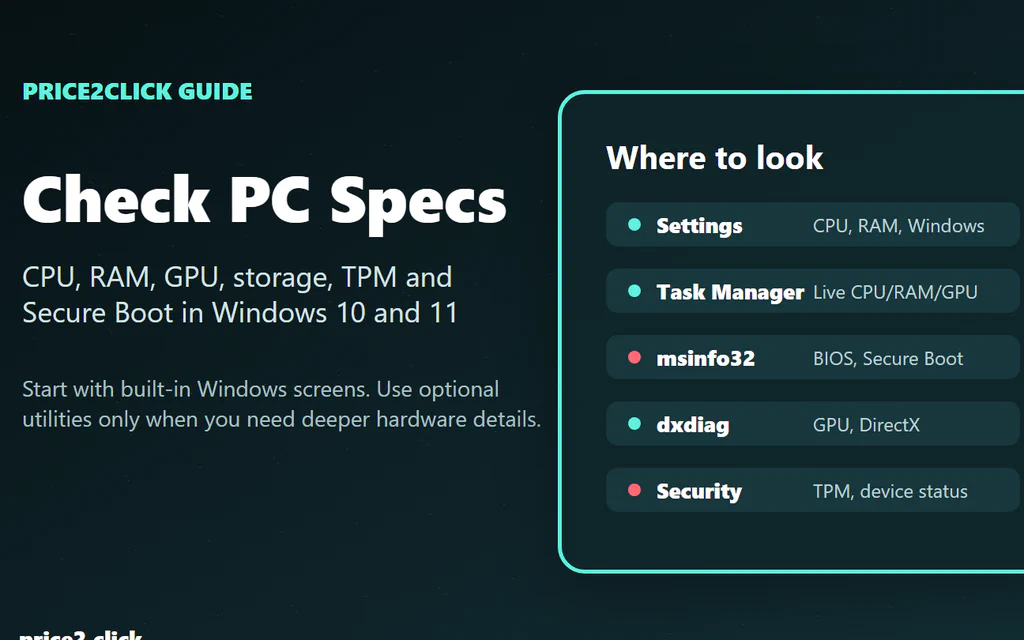
Windows PC spec-check workflow showing Settings, Task Manager, System Information, dxdiag and Windows Security.

How to Check Your PC Specs on Windows: CPU, RAM, GPU, Storage and Secure Boot

The fastest safe path is this: open Settings > System > About for CPU, RAM, Windows version and system type, then open Task Manager > Performance > GPU if the question …

May 9, 2026 ·  Updated May 31, 2026 ·  Georgii Vorot  ·  16 min read ·  Guides & How-Tos ,  Computers & Components
Read more
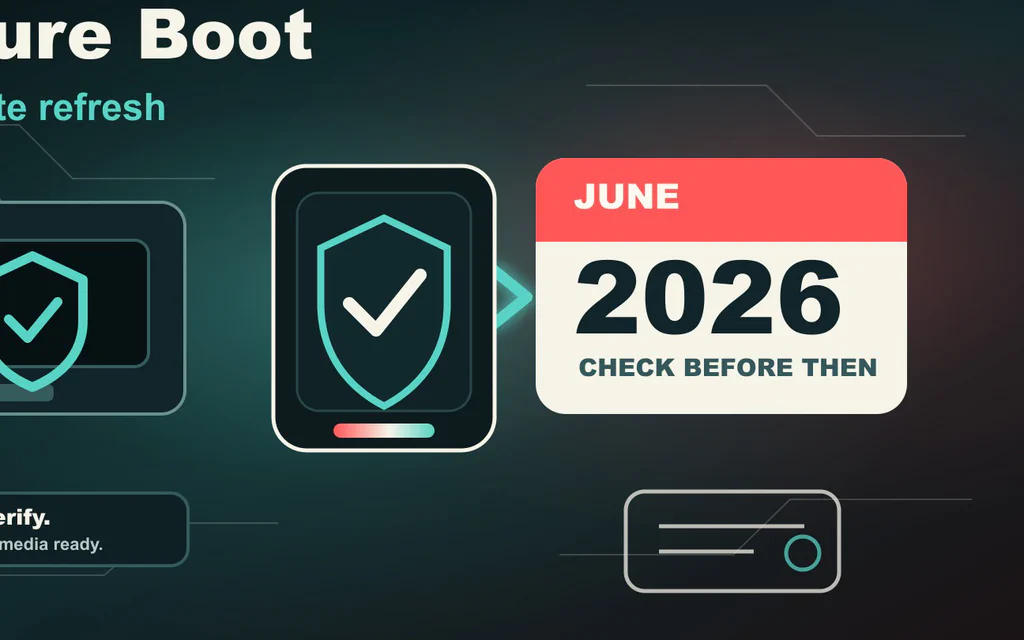
Editorial illustration of a Windows PC boot path passing a Secure Boot certificate check before a June 2026 deadline.

Windows Secure Boot Certificates Expire in 2026: What to Check Before June

Microsoft is replacing the Secure Boot certificates that many Windows PCs have trusted since 2011. Two of those old certificate authorities start expiring in June 2026, …

May 6, 2026 ·  Updated May 23, 2026 ·  Price2Click Editorial  ·  17 min read ·  Guides & How-Tos ,  Computers & Components
Read more
  • ««
  • «
  • 1
  • 2
  • 3
  • »
  • »»
Price2Click logo PRICE2CLICK

Buying intelligence for computers, gadgets, appliances, and the awkward tradeoffs hidden in the fine print.

Contact Write for us
Social

Explore

  • Home
  • Tech Help
  • Categories
  • About Us
  • Topics
  • Authors

Standards

  • Research Methodology
  • Editorial Policy
  • Corrections
  • Rights & Reuse
  • Affiliate Disclosure
  • Privacy Policy
  • Terms of Use
© 2026 Price2Click Practical buying advice, updated when products and prices move.Managed by DigiMetrics OÜ | Registry code: 17341001 | Estonia